Einstar Releases EXStar Version 1.2

The update sees optimizations that aim to improve scanning performance and speed, plus new features that boost users' levels of control over their scans.
Einstar has released version 1.2 of its EXStar software. The rather expansive update arrives with new optimizations and features that aim to take the handheld scanner on which it runs to a “more professional level.”
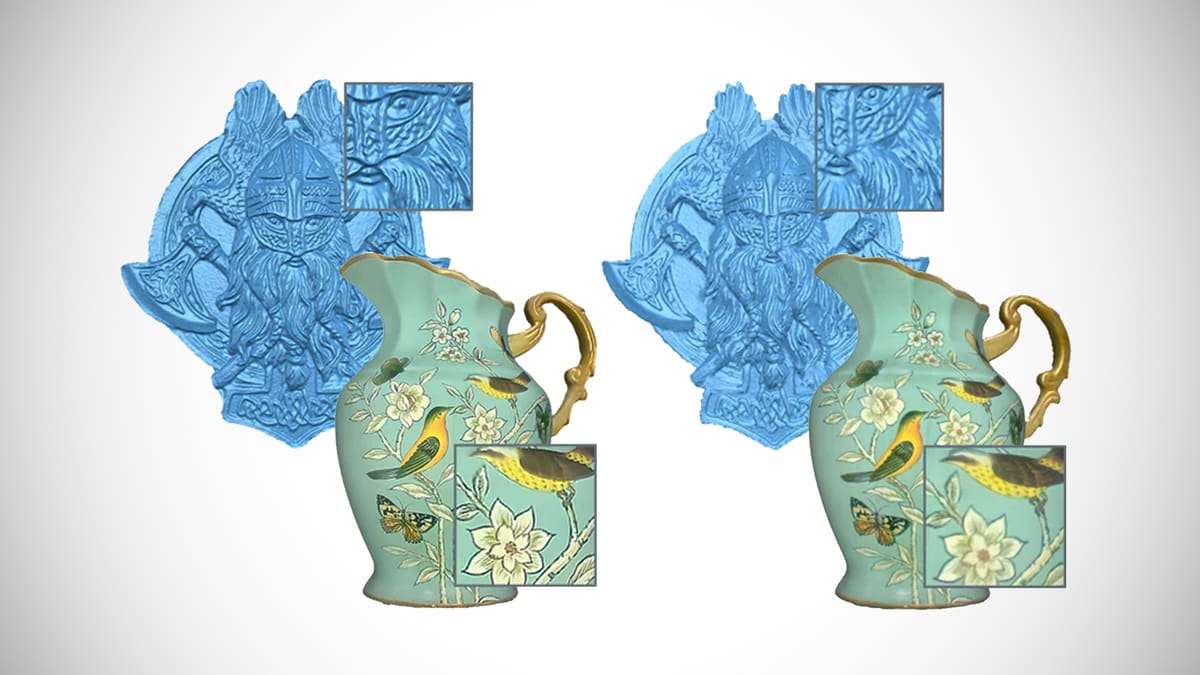
Headlining the update is a promise to optimize the data quality of scans, resulting in “sharper and clearer” detail, as well as color textures that boast higher degrees of fidelity.
Scanning performance, meanwhile, has also been optimized, which Einstar claims increases processing speed by up to 38% when generating a point cloud, and as much as 66% when loading a project group. Additionally, project files will see a size reduction of up to 75%.
The update also brings several new features to the scanning software. Users can now combine alignment modes by feature, texture, or markers, depending on whether they scan a portrait or an object.
Users can also freely adjust the point distance during scanning, with a larger point distance resulting in smaller files, and a smaller point distance generating scans with increased levels of detail. Additionally, a new rewind function allows users to roll back a maximum of 200 frames – should they make a mistake during scanning.
Other new features include the ability to choose the display type of generated mesh (triangles, wireframe, point cloud, or triangles and wireframes); an auto-rotate function for models; a three-axis object mover that allows users to pan or rotate their models; and “quick alignment”, with which users can align their models with the Z-axis up, X-axis forward, or Y-axis right.
We’ve skipped over a few of the new features EXStar 1.2 for the sake of brevity, but Einstar’s ExStar v1.2 blog post lists them in detail, so be sure to check that out if you’re hungry for more.
You’ve read that; now read these:
License: The text of "Einstar Releases EXStar Version 1.2" by All3DP is licensed under a Creative Commons Attribution 4.0 International License.