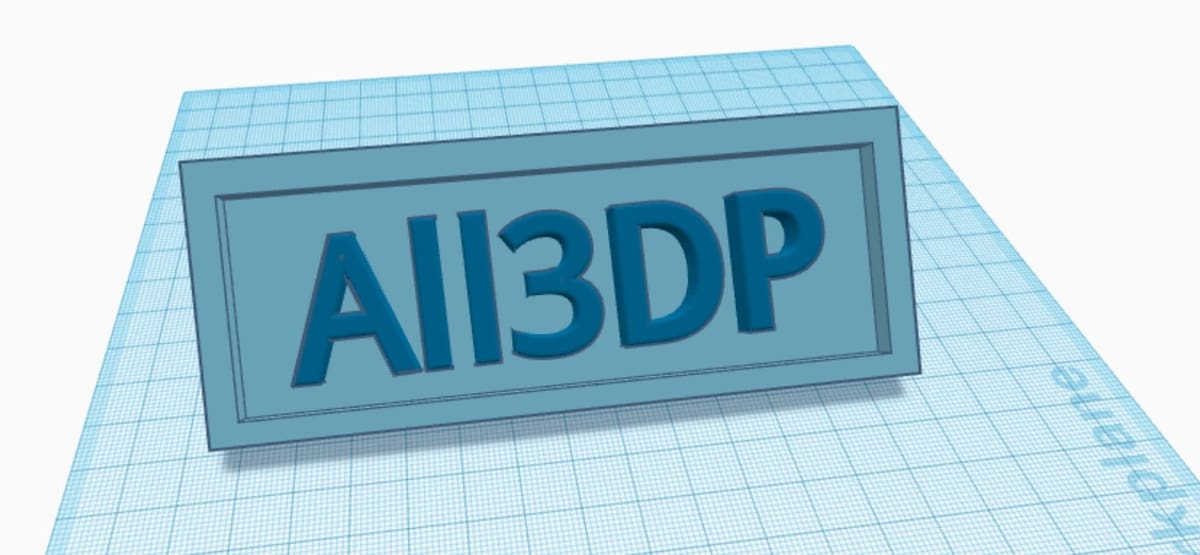
Creating personalized objects has never been so easy thanks to Tinkercad. Read on to learn how to 3D print your very own name tag!
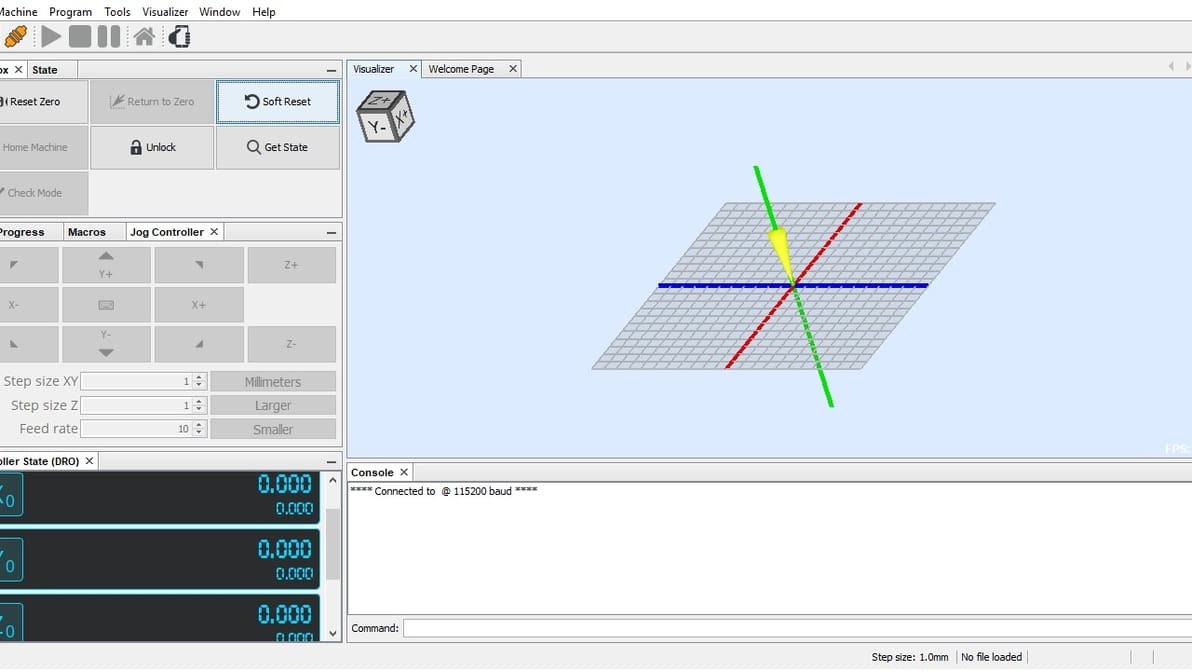
Universal Gcode Sender is one of the most popular CNC controller options. Read on to learn all about this software and get started!
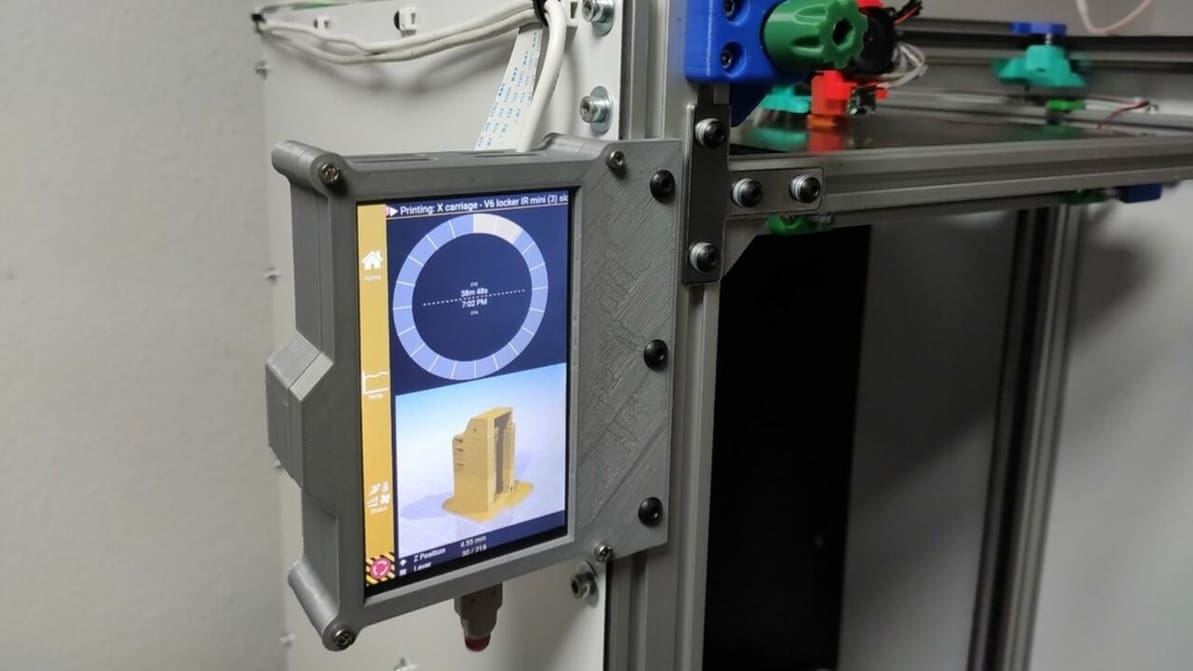
Repetier Server is an OctoPrint alternative that's easy to set up and offers tons of control features. Read on to learn how to set it up!
The Fusion 360 vs SketchUp choice isn't an easy one, as they're both great programs. Read on to compare and decide which is best for you!
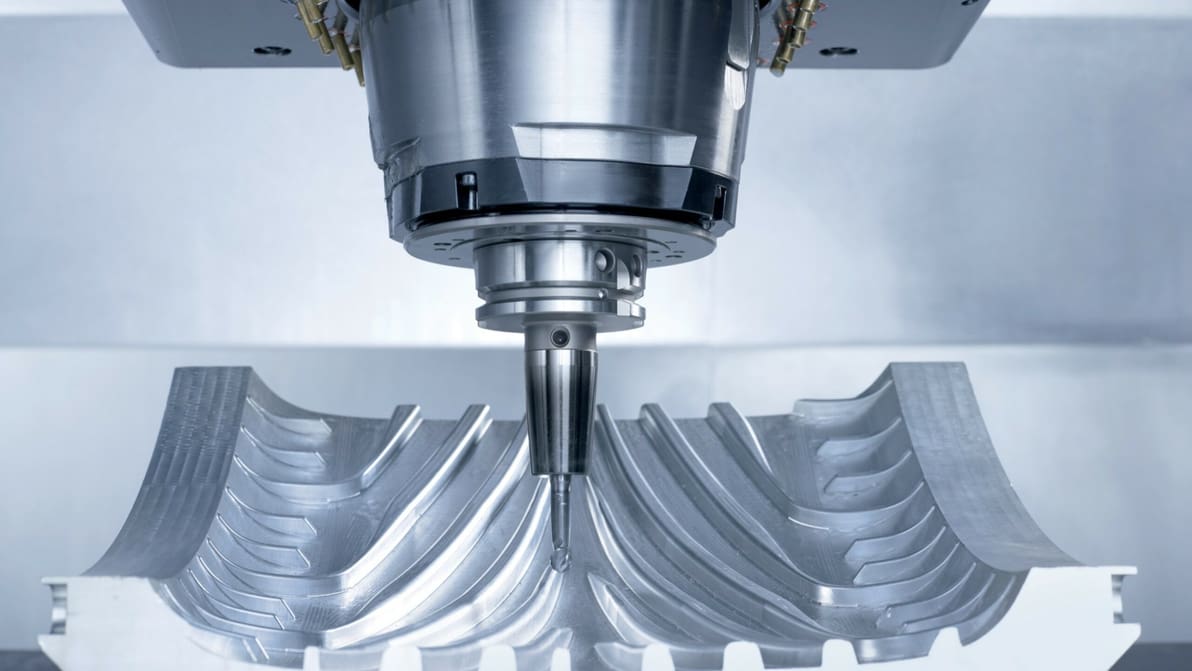
G-code is everywhere, from 3D printing to CNC. Easily learn the basics of CNC programming with this G-code tutorial in six simple steps.
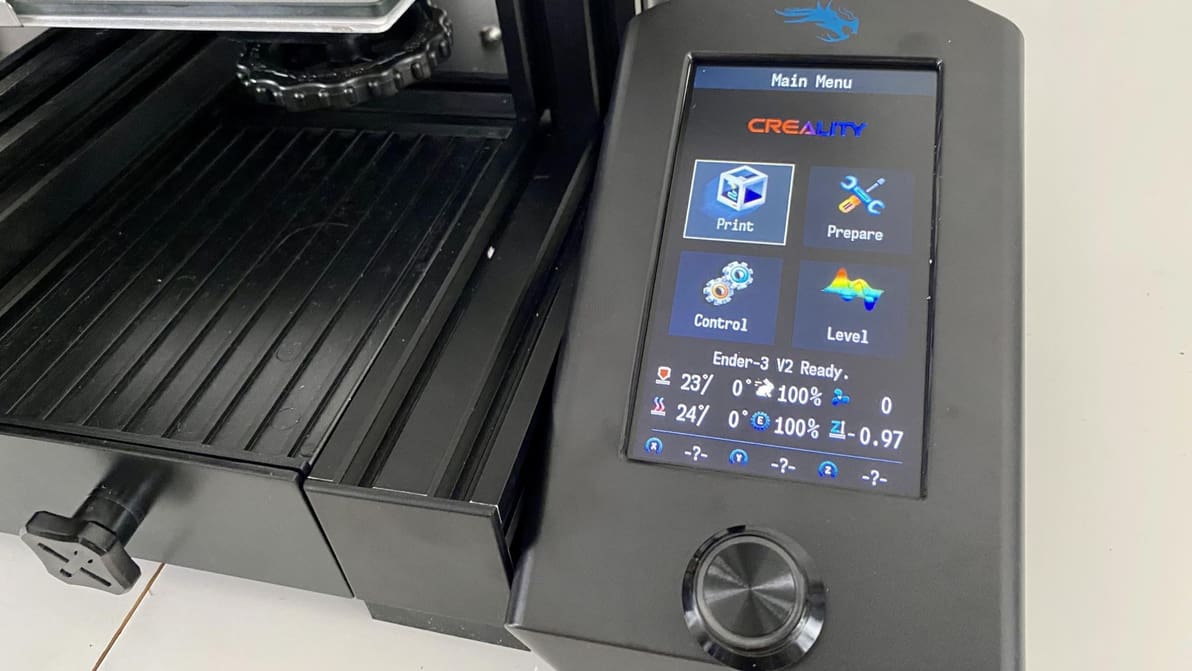
A Jyers firmware upgrade can unlock new software features on the Ender 3 V2. Get started on all the possibilities with this tutorial!
Want to use an old SBC with Klipper but can't find a tutorial for it? Check out this universal step-by-step guide!
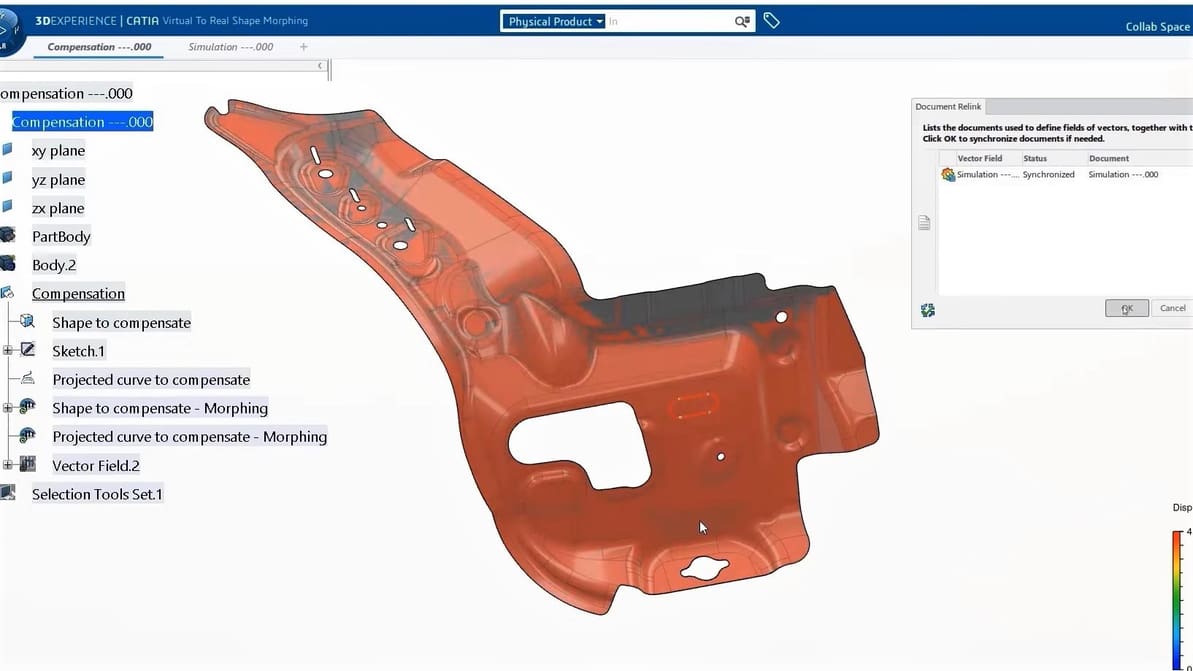
It's a parametric design and engineering showdown: CATIA vs. SolidWorks. Read on for all the specs and decide which is best for you!

In Klipper, Pressure Advance can predict nozzle pressure for more consistent extrusion and sharper corners. Read on to learn how to set it up!
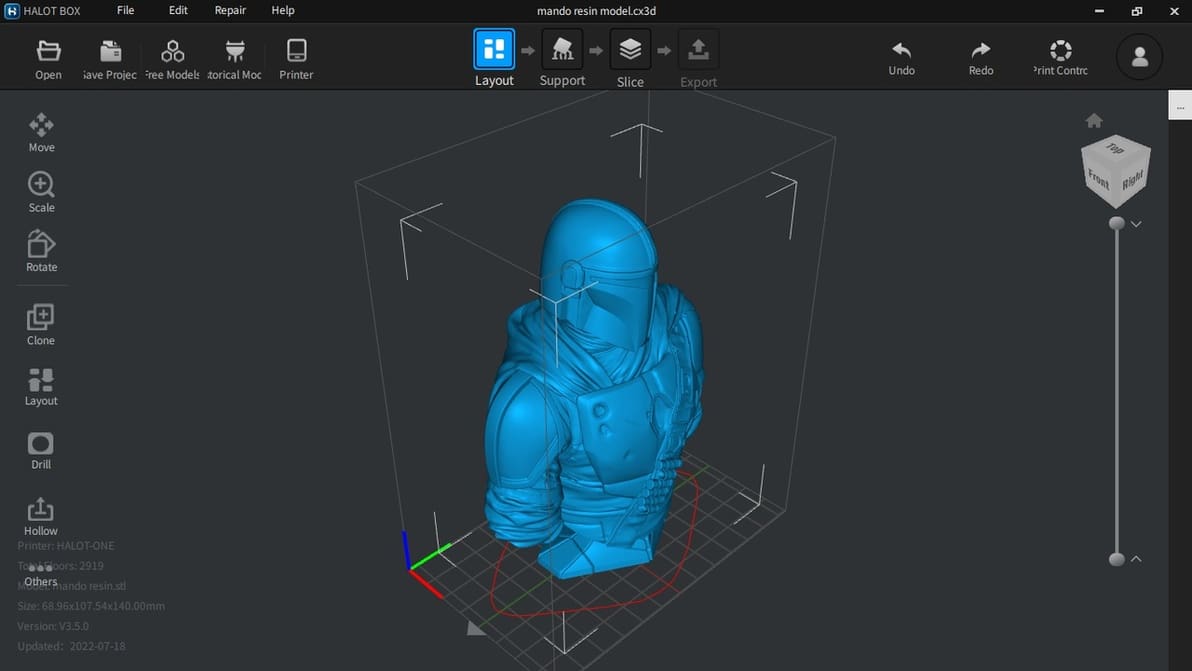
Halot Box is Creality's own dedicated slicing program for their range of resin 3D printers. Let’s open the box and see what’s inside!
Marlin is the most popular 3D printer firmware for a reason. Discover all the reasons why you should use it on your desktop 3D printer.
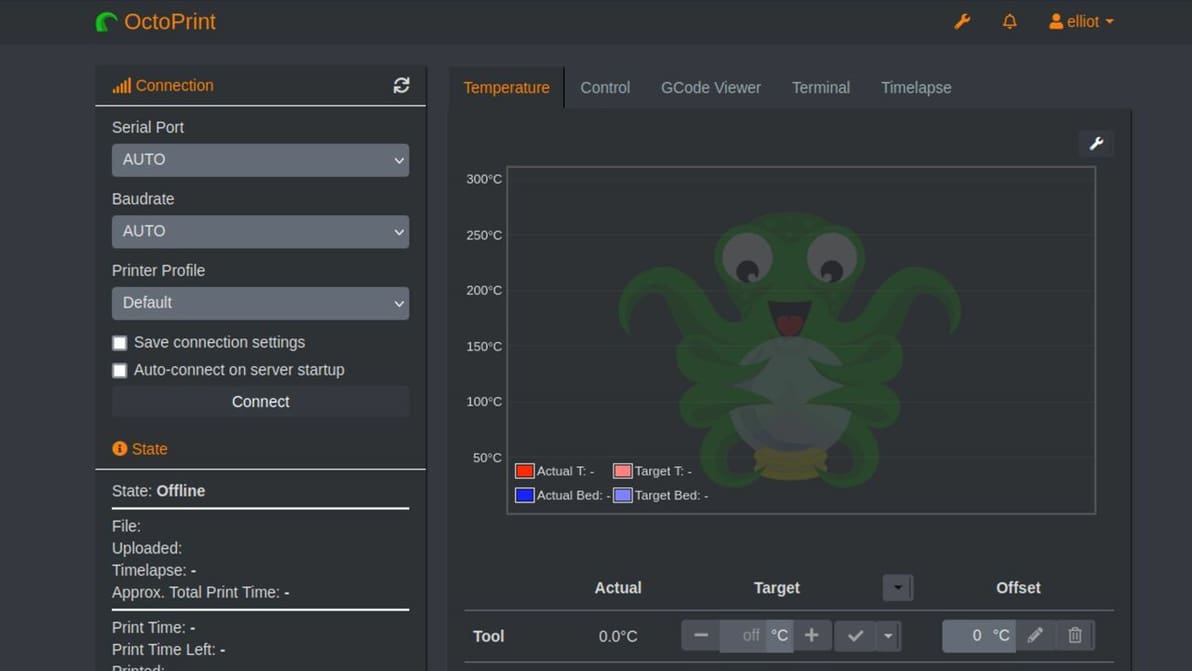
Some are afraid of the dark, others seek it out. In that case, let us enlighten you! Learn how to work OctoPrint in dark mode.
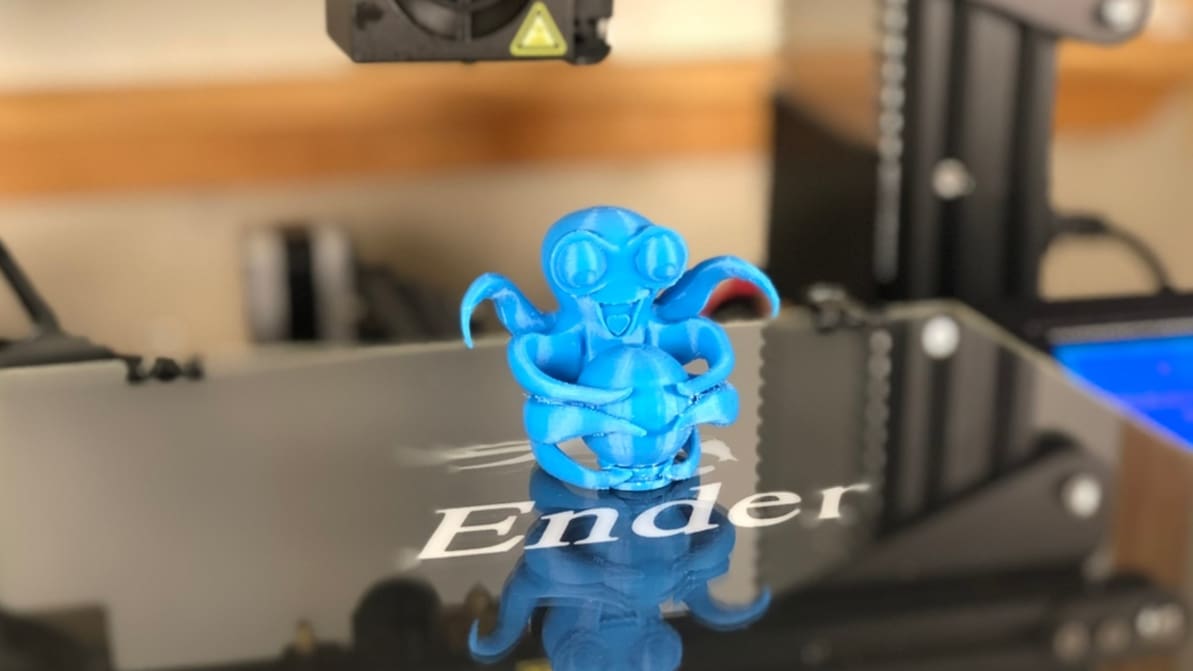
There are so many reasons to use OctoPrint. Learn the benefits of this application and how it can octo-mize your printing experience.
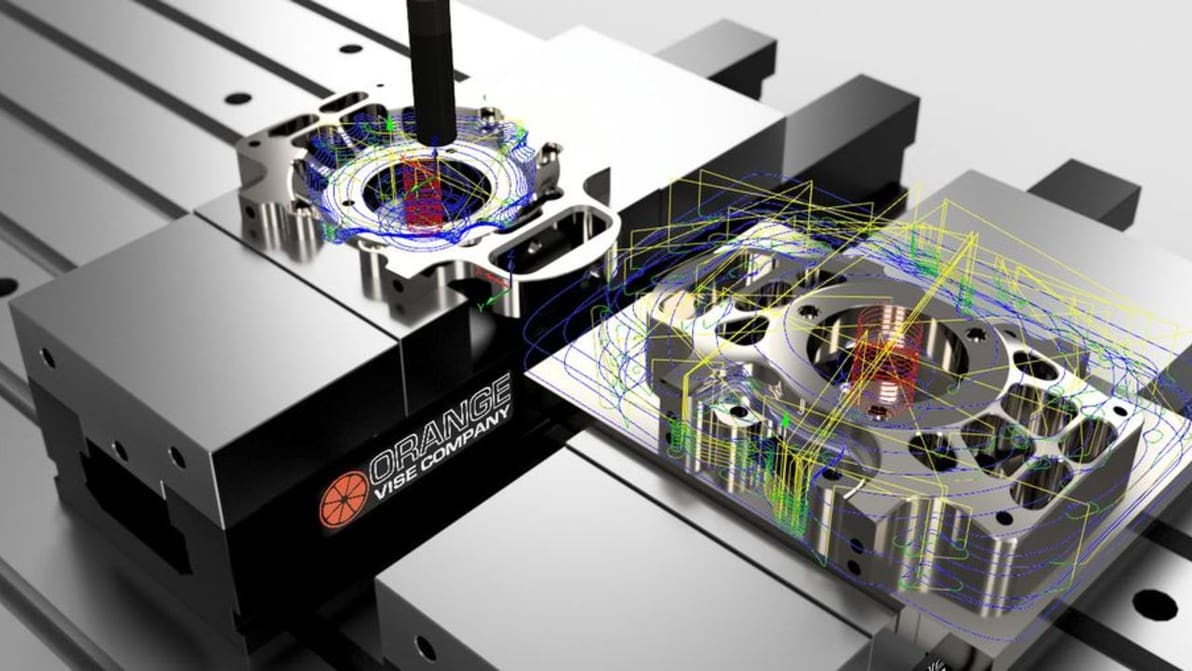
Looking to do some CNC milling? Chances are you need CAM. Luckily, there's Fusion 360 CAM. Follow along as we show you how to get started!

It's Fusion 360 vs. Inventor! You've heard of them before, but do you know what both are about? Read on to learn what makes them different.
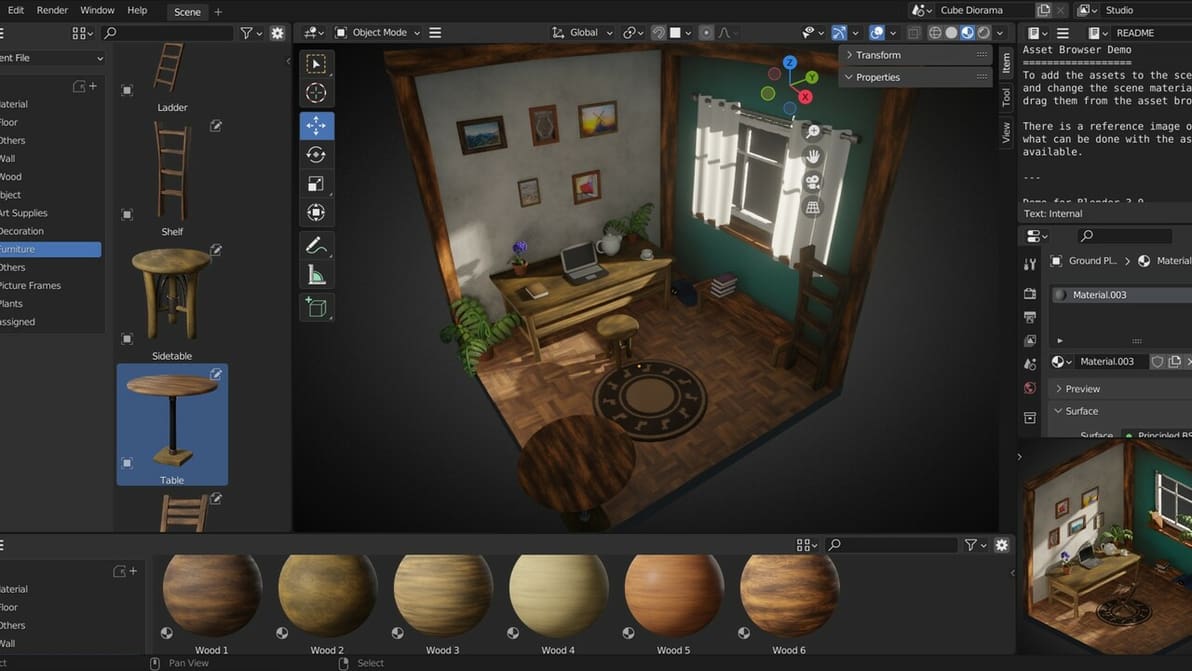
Blender is a free open-source 3D creation suite for modeling, animation, and more. Read on to learn why you should consider using it!
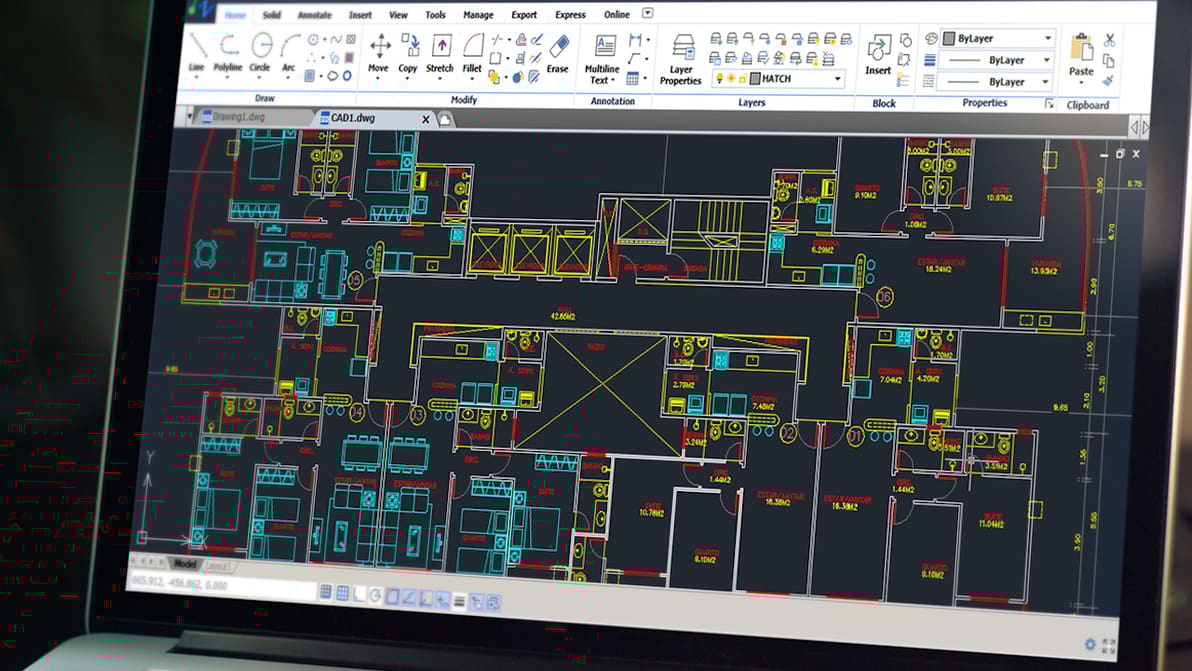
Just what you've been waiting for: an AutoCAD tutorial for beginners! Learn how to use AutoCAD in six straightforward steps.
You may want to want to use Marlin 2.1 on your 3D printer, CNC machine, or robot. Read on and learn how to edit Marlin firmware!
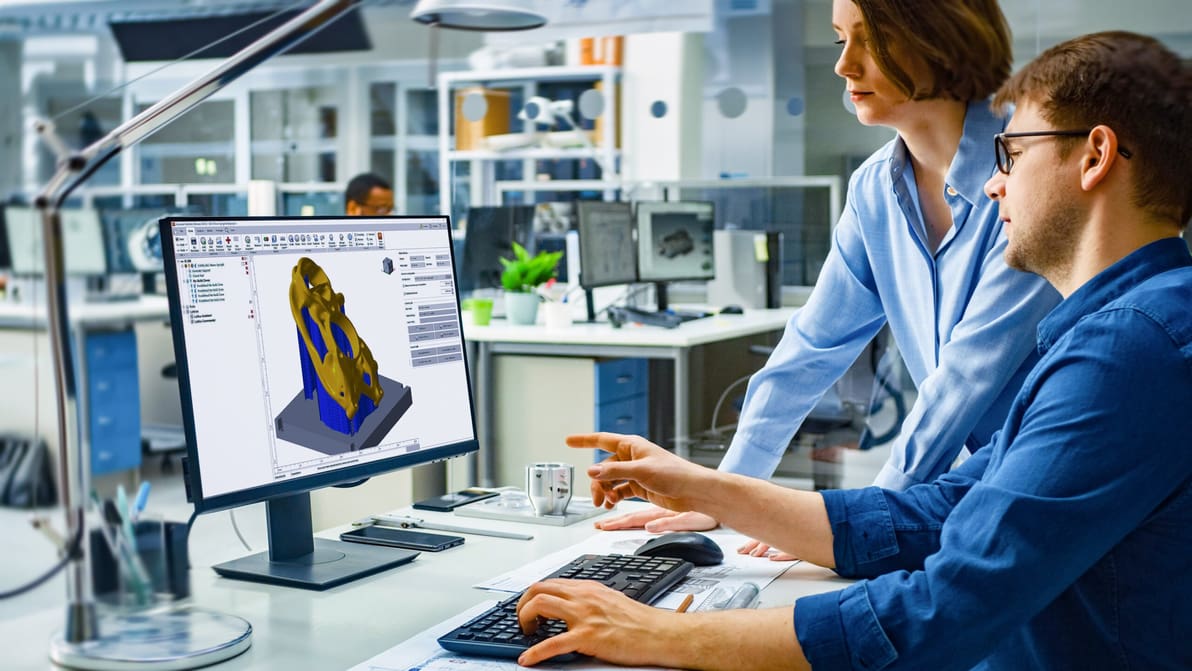
Understand DfAM and find the best strategies, software, and training to put it to use in designing better products and parts with AM in mind.

Your AutoCAD workflow can extend beyond the desktop. Read on to learn all about working with AutoCAD on an iPad!