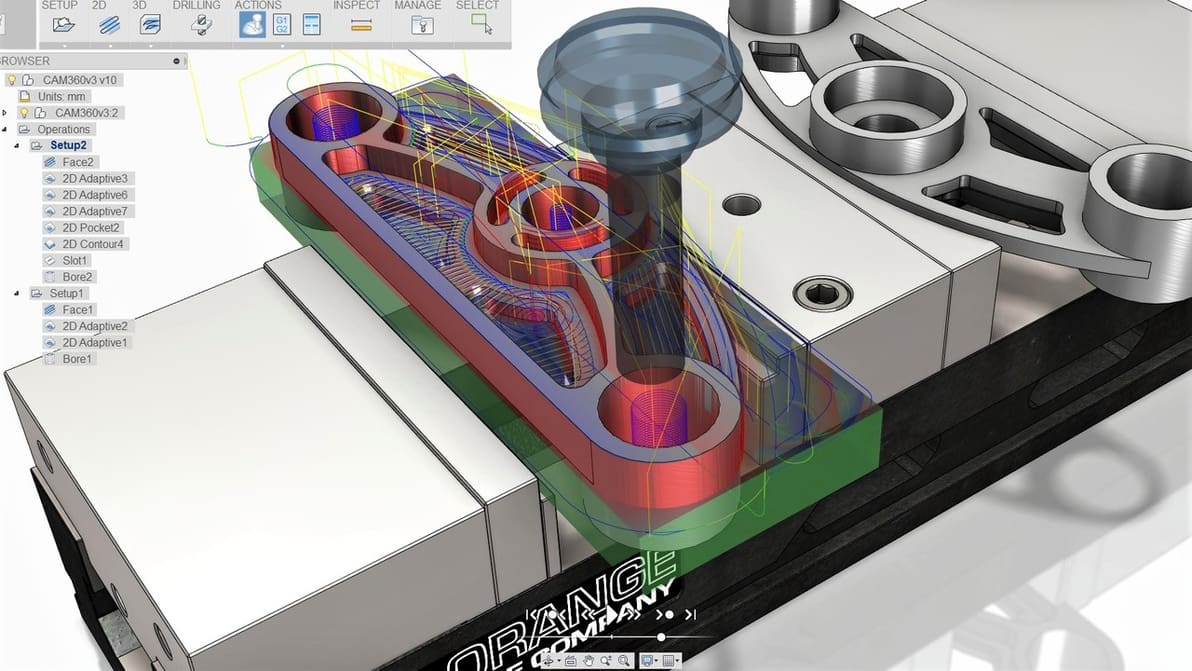
CNC 3018 software comes in many forms. Unlock the potential of your machine with these six powerful programs.
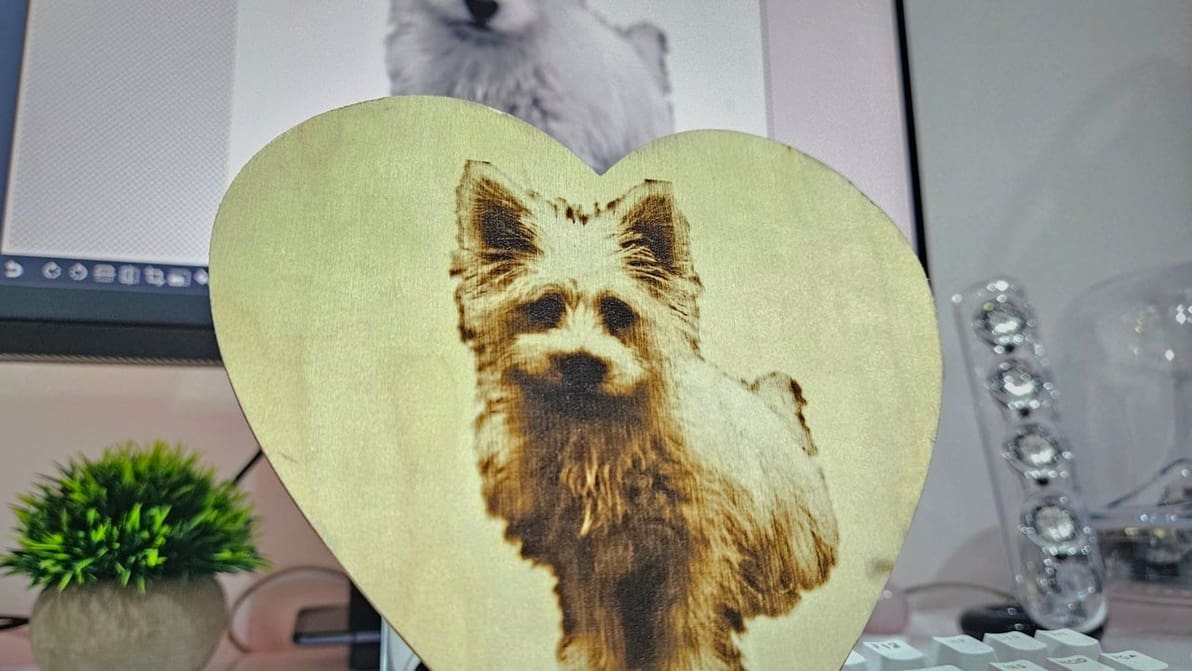
In just a few steps, you can prep an image for engraving with LaserGRLB. Read on to learn how to do it in this LaserGRBL tutorial!
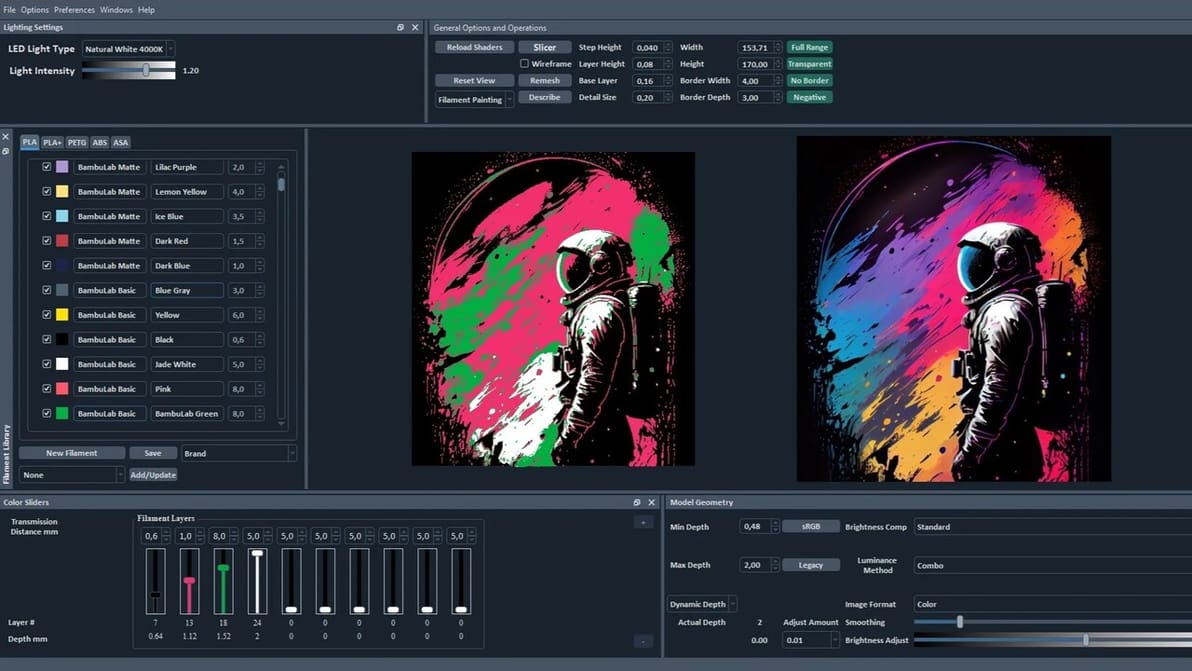
Bring 2D images to life with HueForge 3D prints! Read about HueForge's features, slicing steps, and calibration tips for stunning creations.
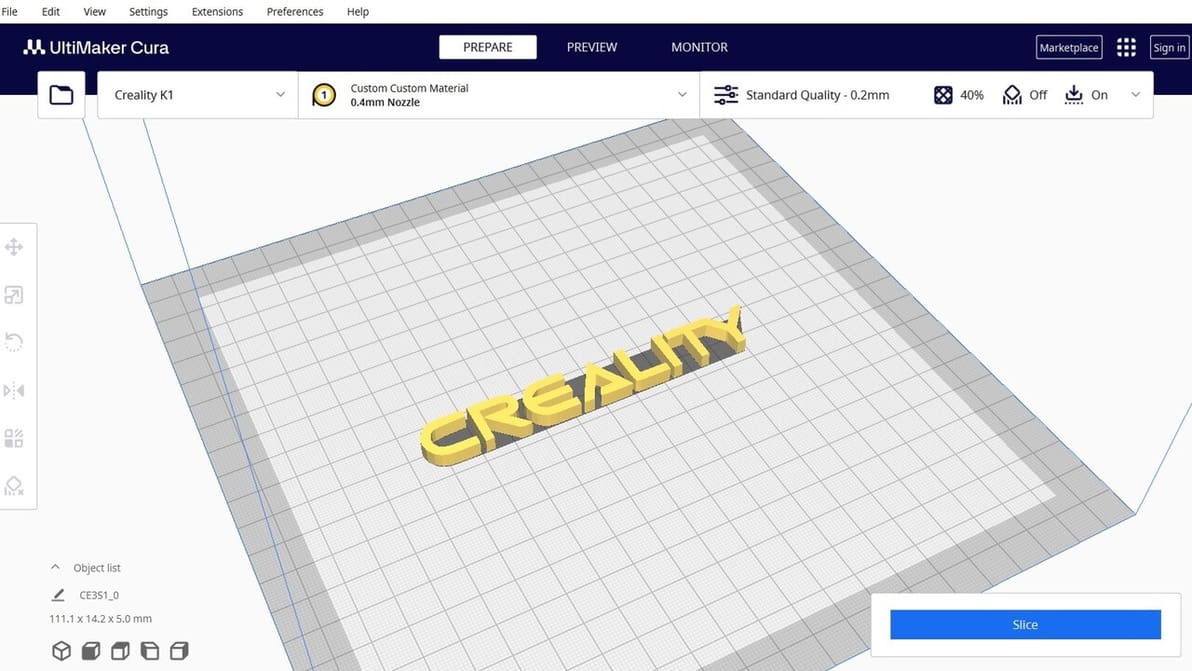
Creality Slicer vs Cura: slicing through the noise to find your perfect 3D printing partner! Read all about how these slicers stack up.
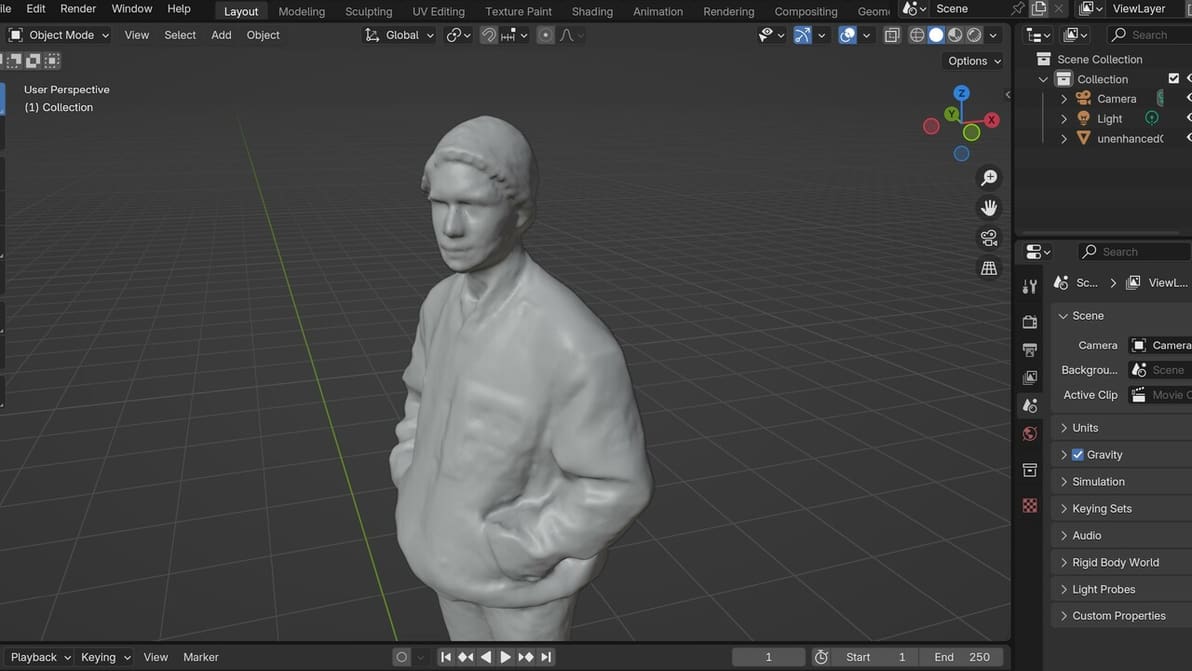
3D scans often don't go *exactly* as we'd like them to, and some modification is needed. Here's how to clean up a 3D scan in Blender.
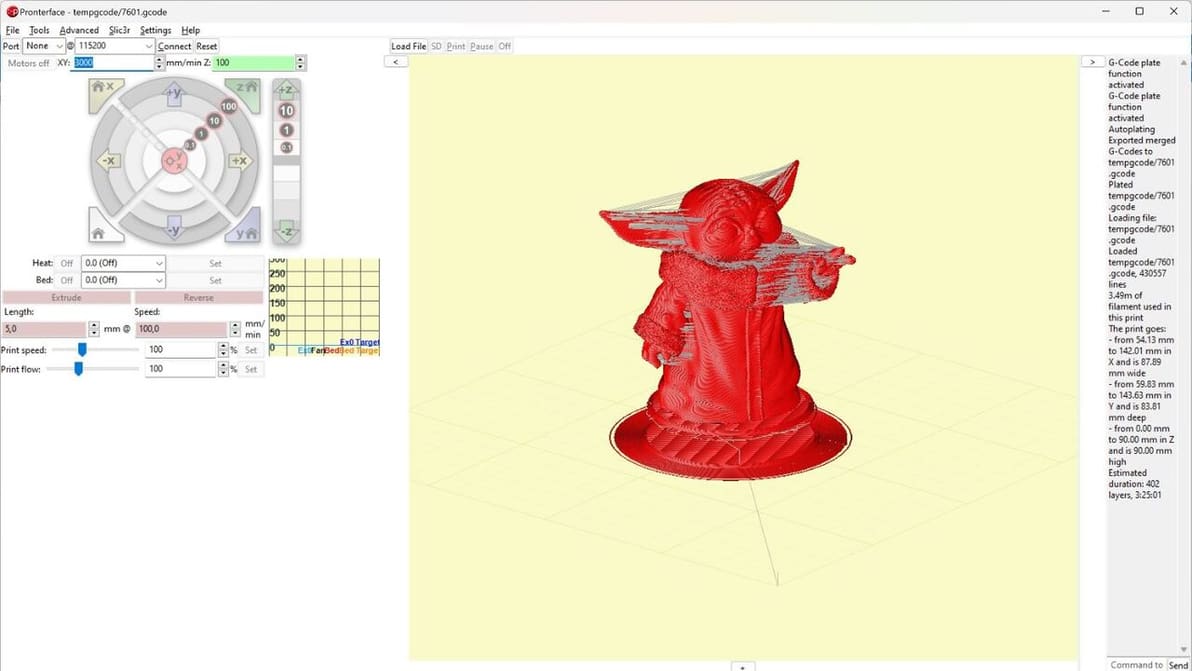
The Printrun suite has been around for a long time. Read all the basics of this useful tool and how to get started with it!
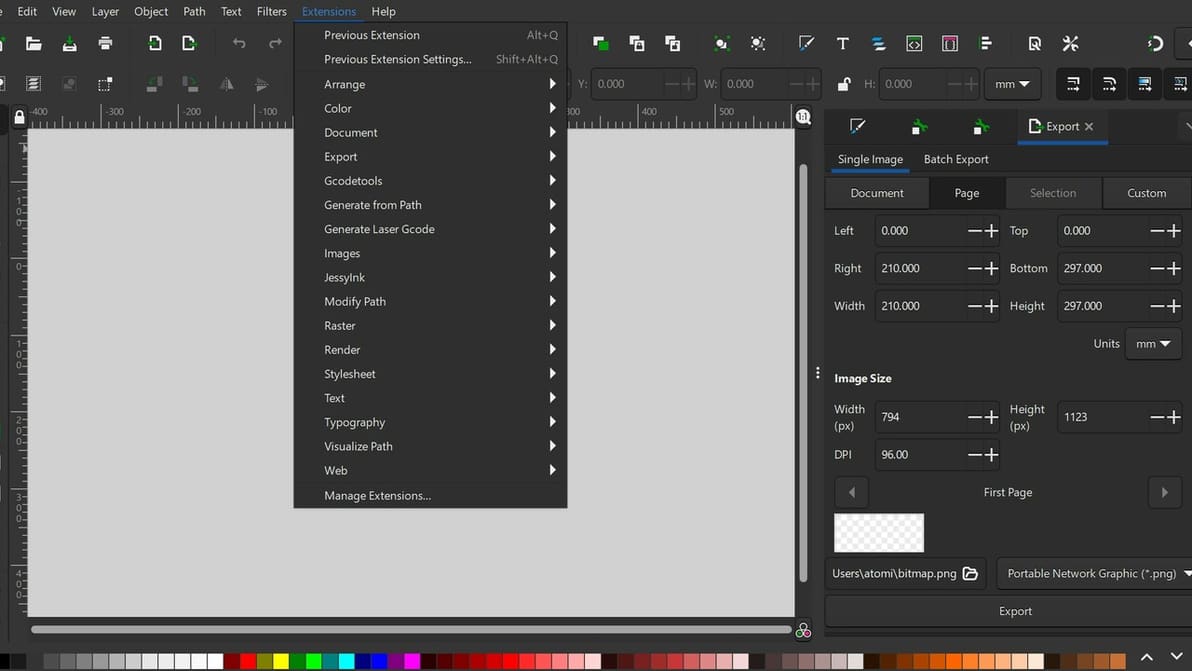
Follow this tutorial for the Inkscape laser plug-in to take your laser cutting designs from drawing to G-code all in one program!
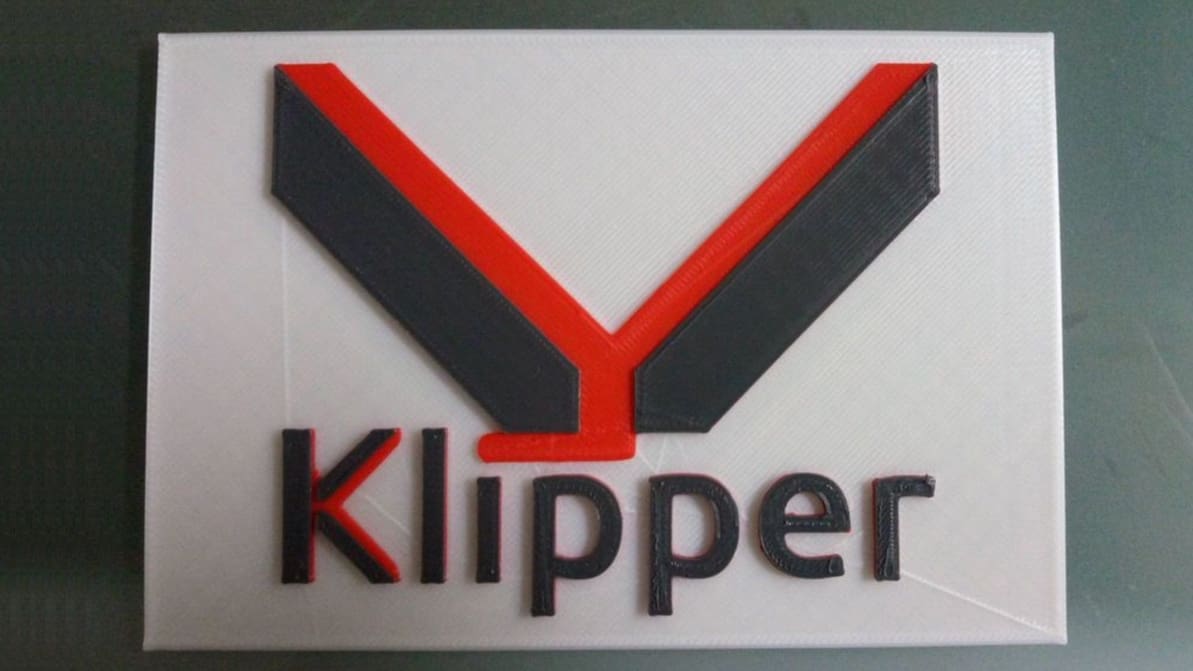
Klipper firmware is a powerful tool to improve the smarts of your printer, and by extension the performance! Here's what you need to know.
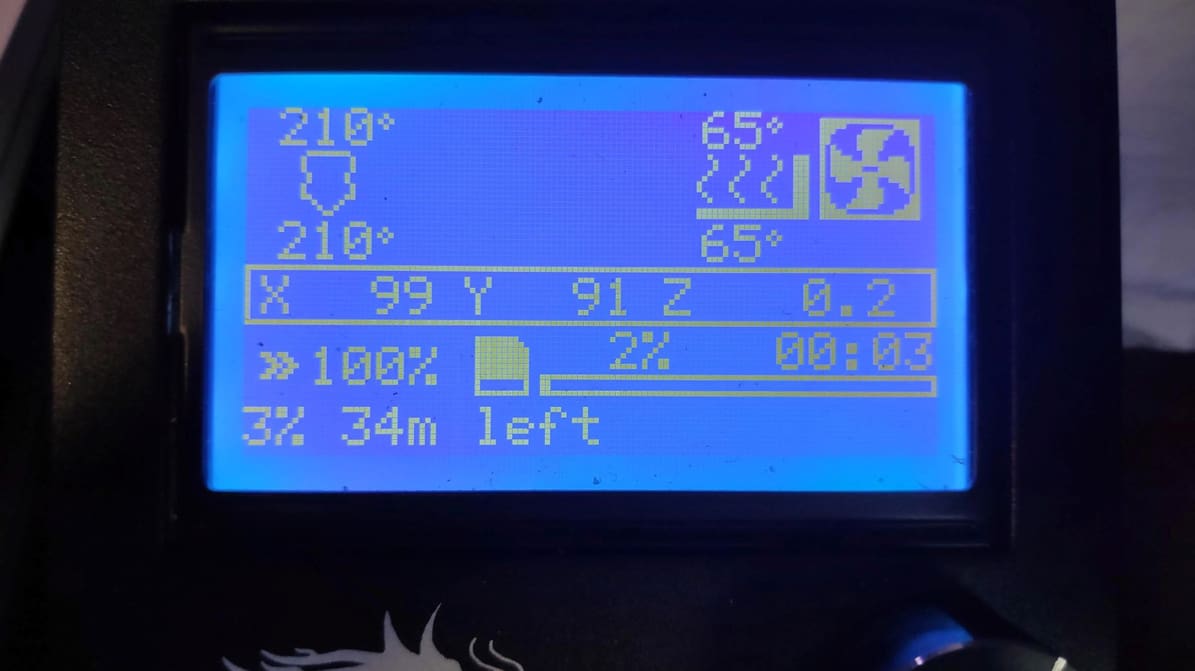
Choosing 3D printer firmware can be challenging. Read on to find out the best options and how to install them on your 3D printer.
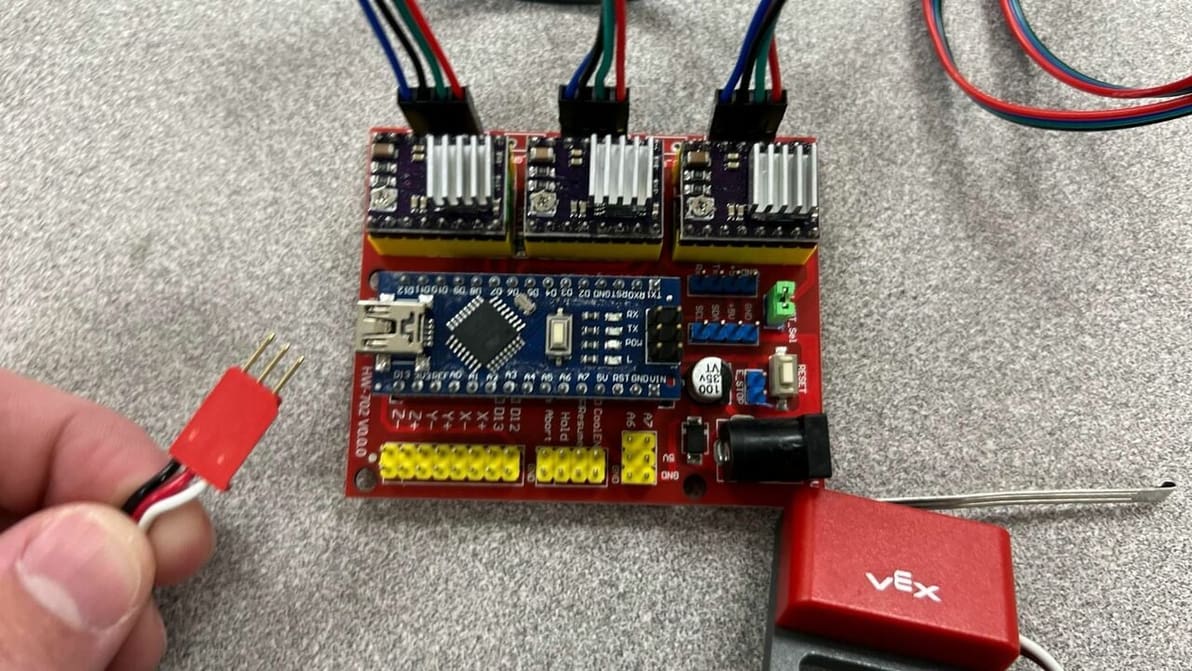
GRBL is free, open-source firmware that enables precise control of your CNC machine. Read on to learn how to get it up and running!
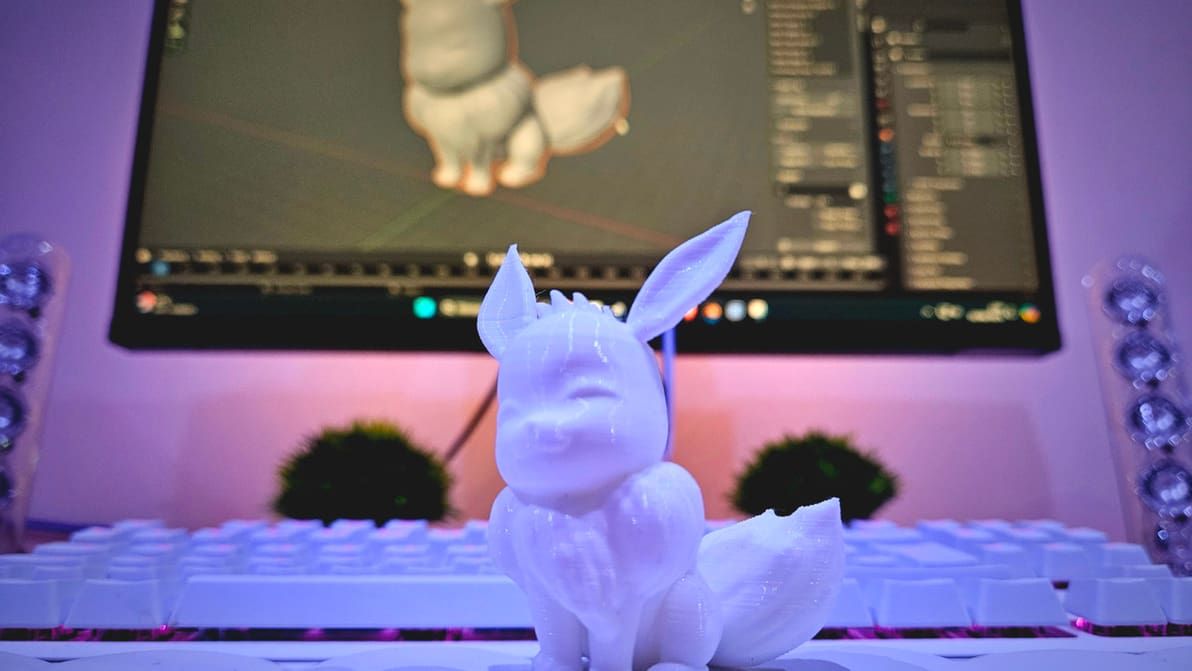
Preparing models for 3D printing can sometimes be a tricky job. Read all about Blender's 3D Print Toolbox and how it can help!
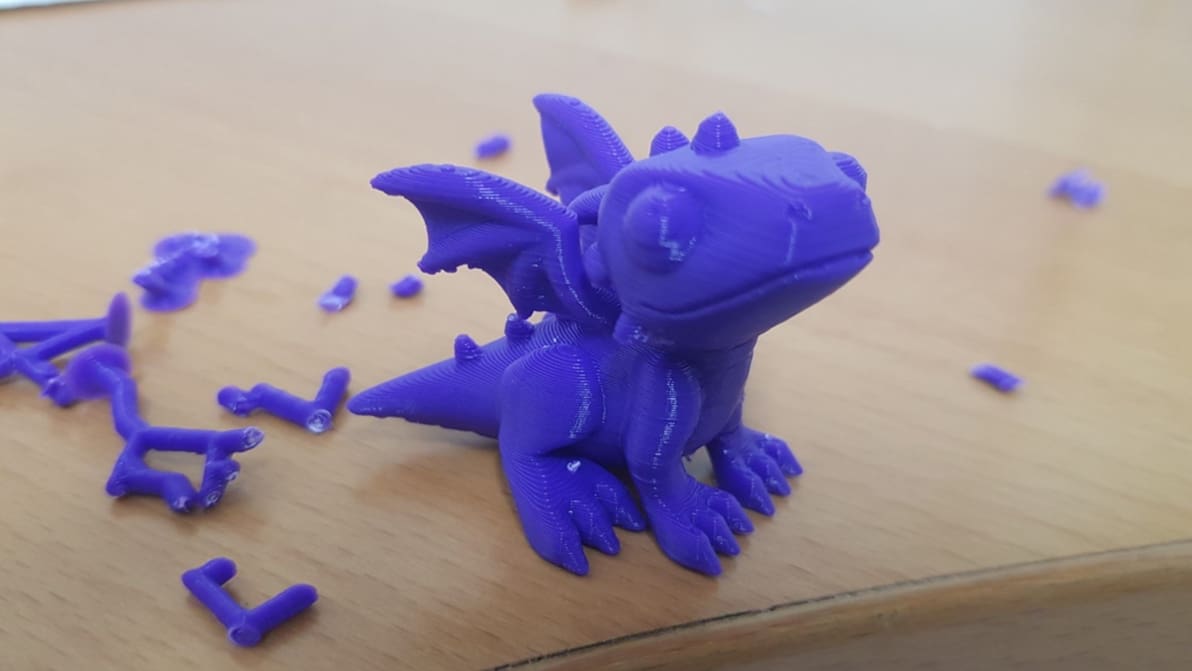
Cura offers a powerful range of settings to play with. Learn about the main Cura support settings and how to best support your prints.
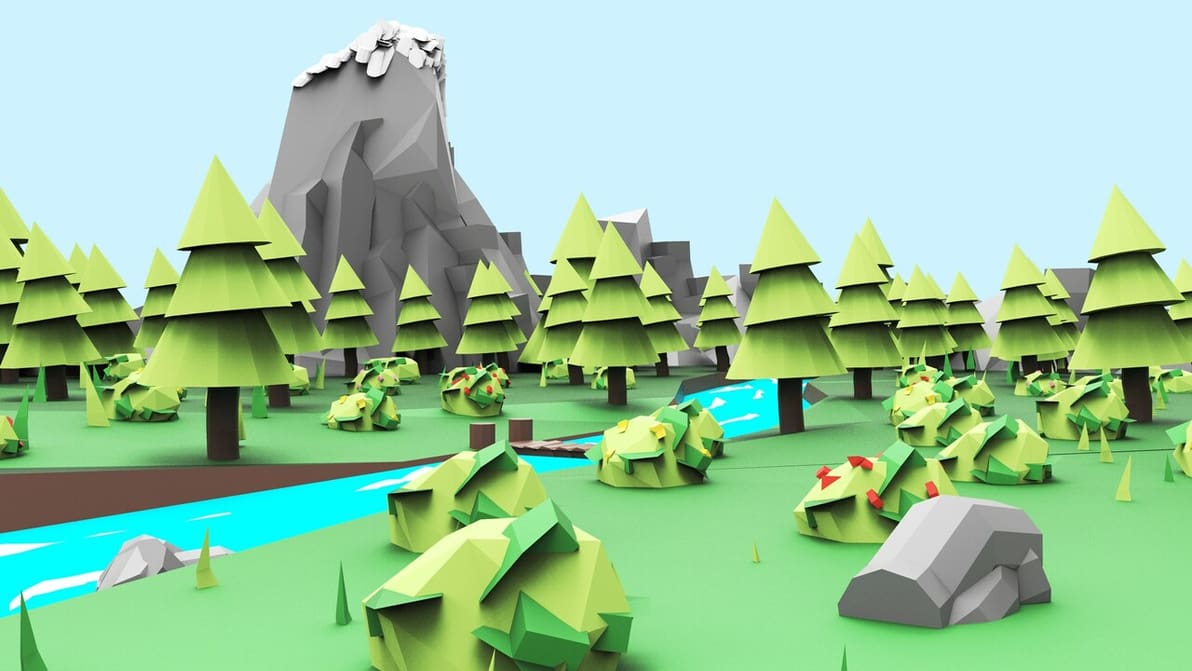
If you want to do 3D modeling for and within VR, it can seem daunting to find the right tools. Check out the best VR 3D modeling software!
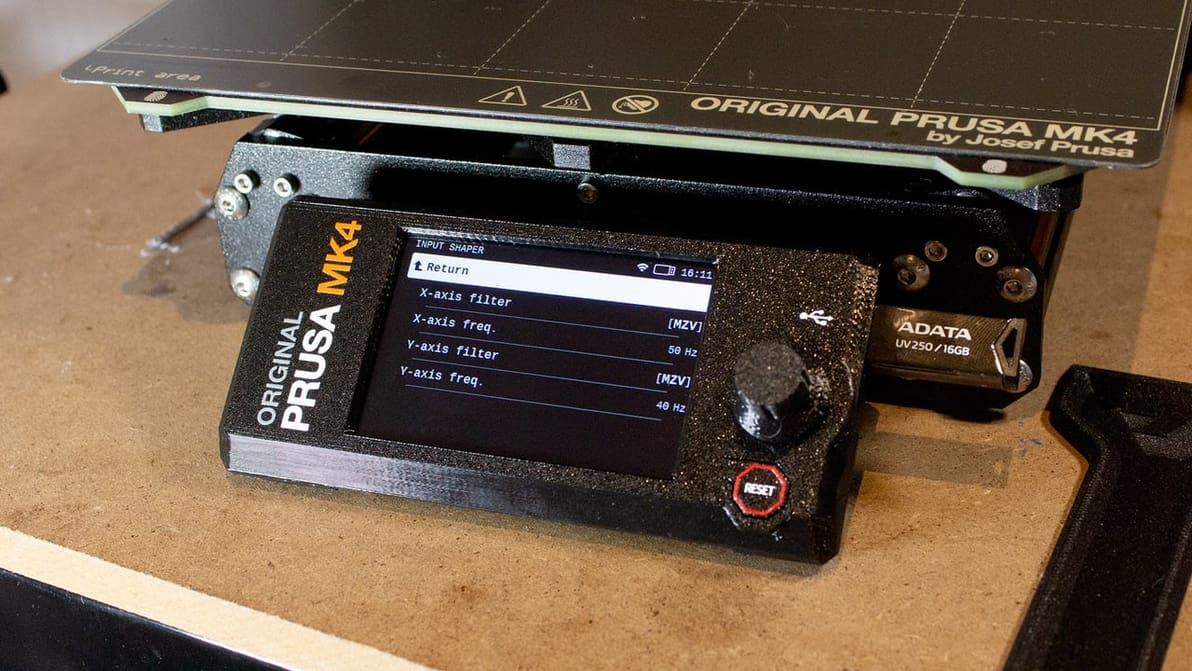
On the Prusa MK4, input shaping is possible – but not everyone is happy about it. Read on to learn more about Prusa's implementation.
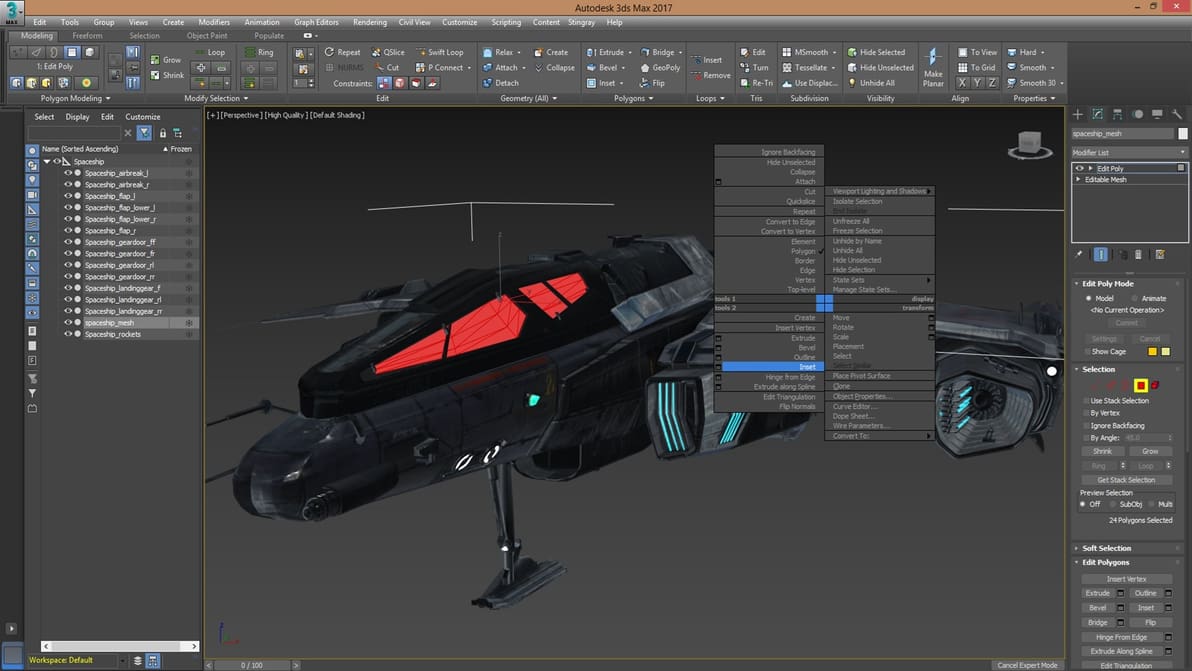
You want to develop 3D game graphics but don't know where to get started. Check out our choice of the best 3D modeling tools for games!
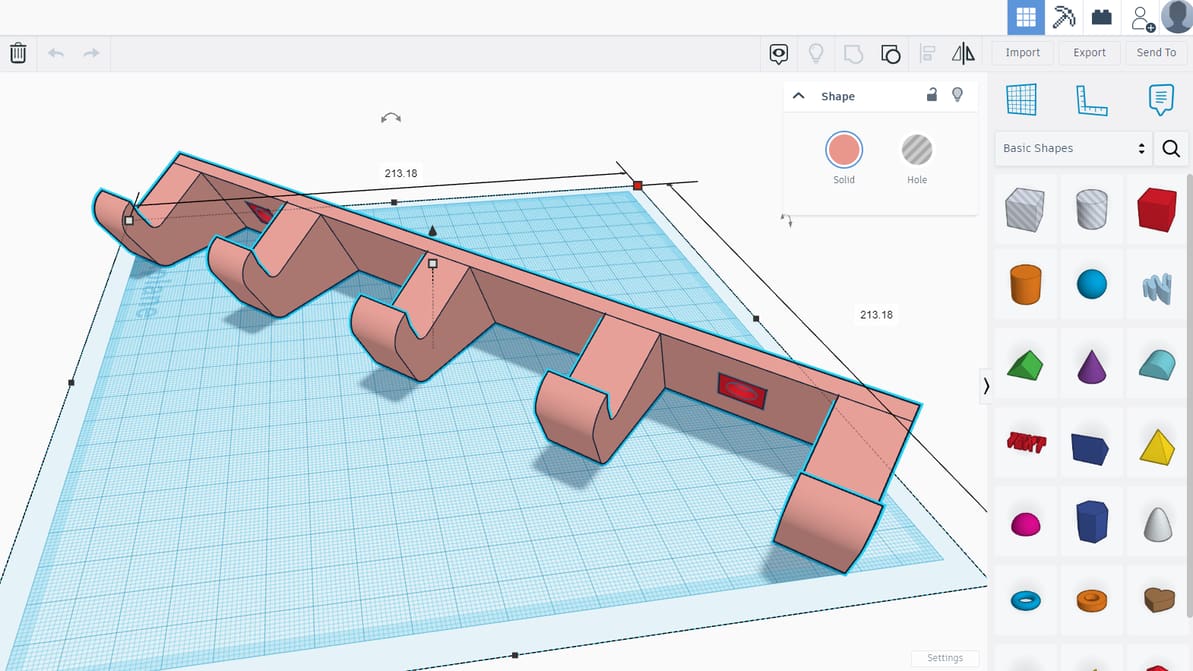
Introducing Tinkercad, a free, browser-based design program for teaching and learning 3D modeling, electronic circuitry, and basic coding.
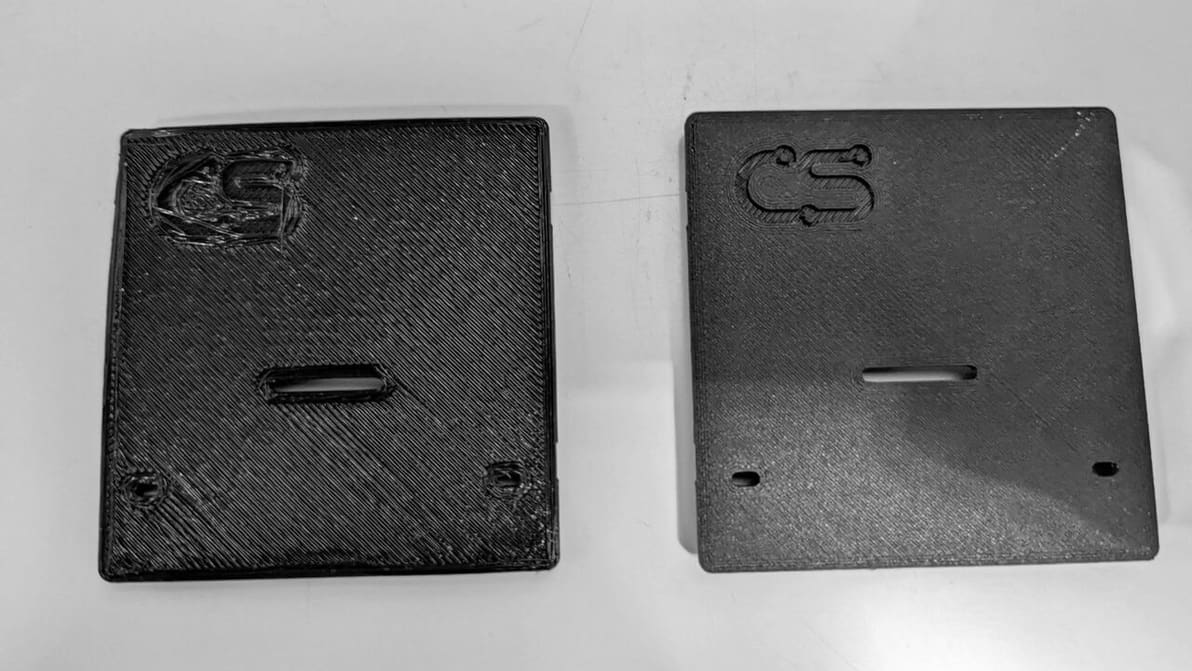
Z offset control can be useful in a number of ways, including printing on top of an object. Learn how to adjust Cura's Z offset setting!
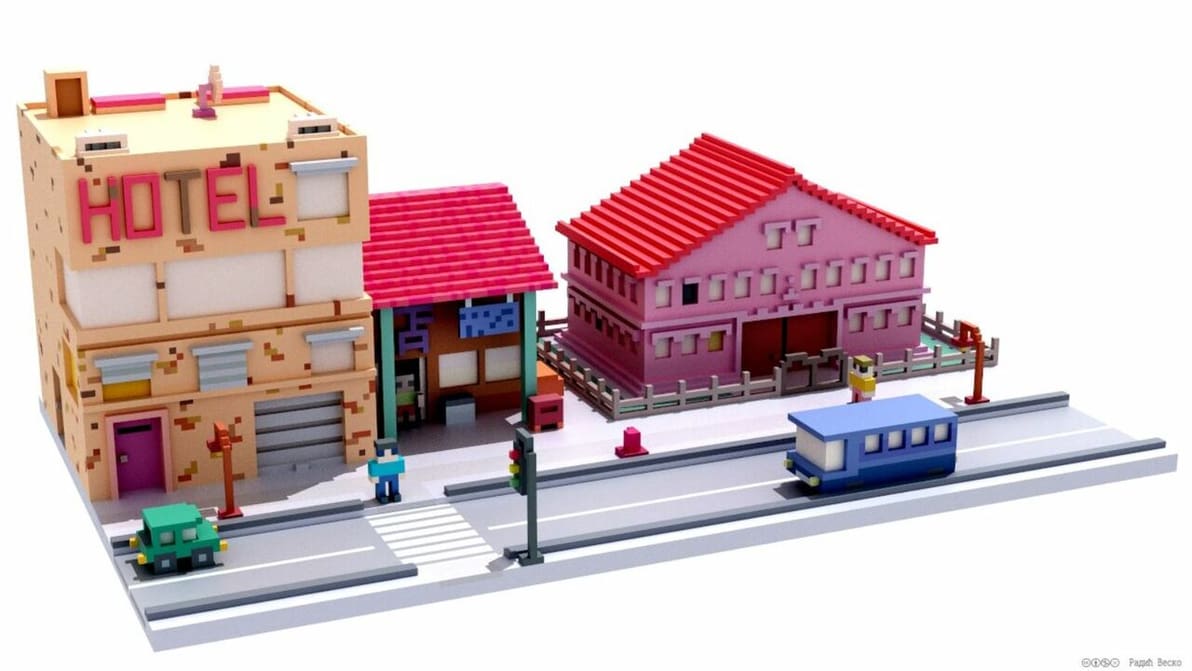
Check out our top picks of open-source 3D modeling software and have fun creating models and solutions!
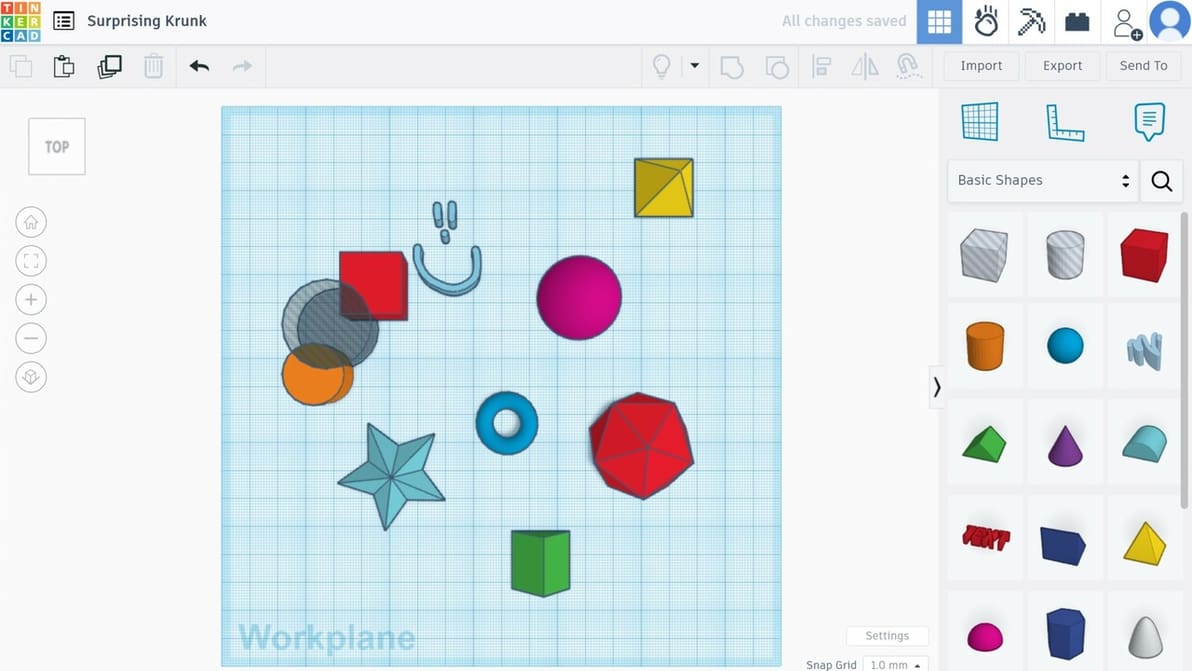
What are the pros of using Tinkercad?, you ask. Check out 10 reasons to bring your design ideas to life in Tinkercad!
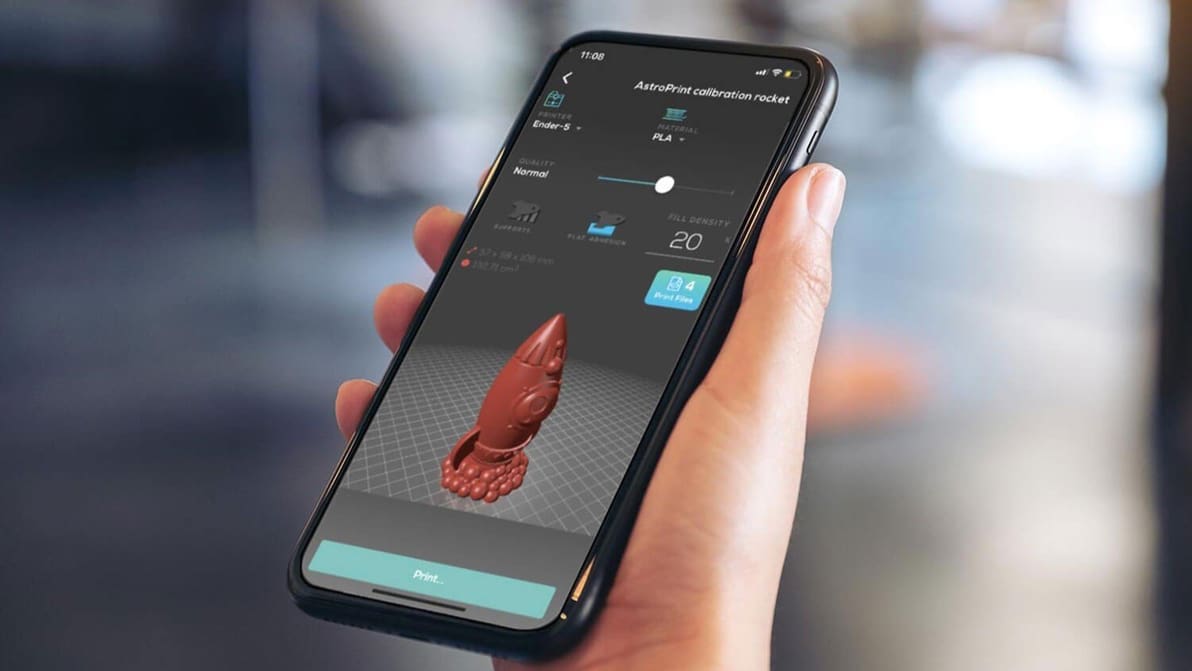
Check out our choice of 3D printing apps for Android and iOS. On-the-go 3D printer control, file repositories, and 3D scanning awaits!