
Blender

Featured image of Blender: Lighting – Simply Explained
Light up your world
Blender: Lighting – Simply Explained

No render is ever complete without a good lighting setup. Get familiar with all the essentials to Blender lighting and setting a scene.
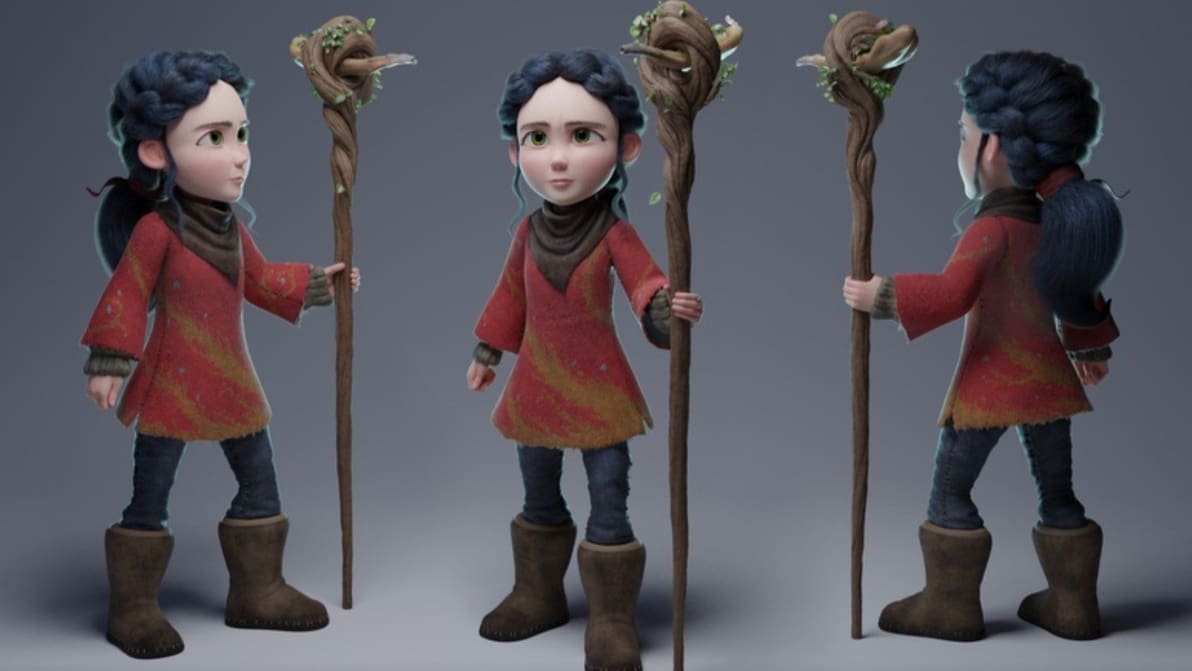
by Jaime Rios Velasco
Featured image of Blender: Animation Tutorial – 6 Easy Steps
Blend-imation
Blender: Animation Tutorial – 6 Easy Steps

Blender is a great tool for animation. Read on and bring your characters to life with this step-by-step Blender 2.9 animation tutorial!
by Aftab Ali
Featured image of Blender for Chromebook: How to Make It Work
When Chrome Doesn't Work
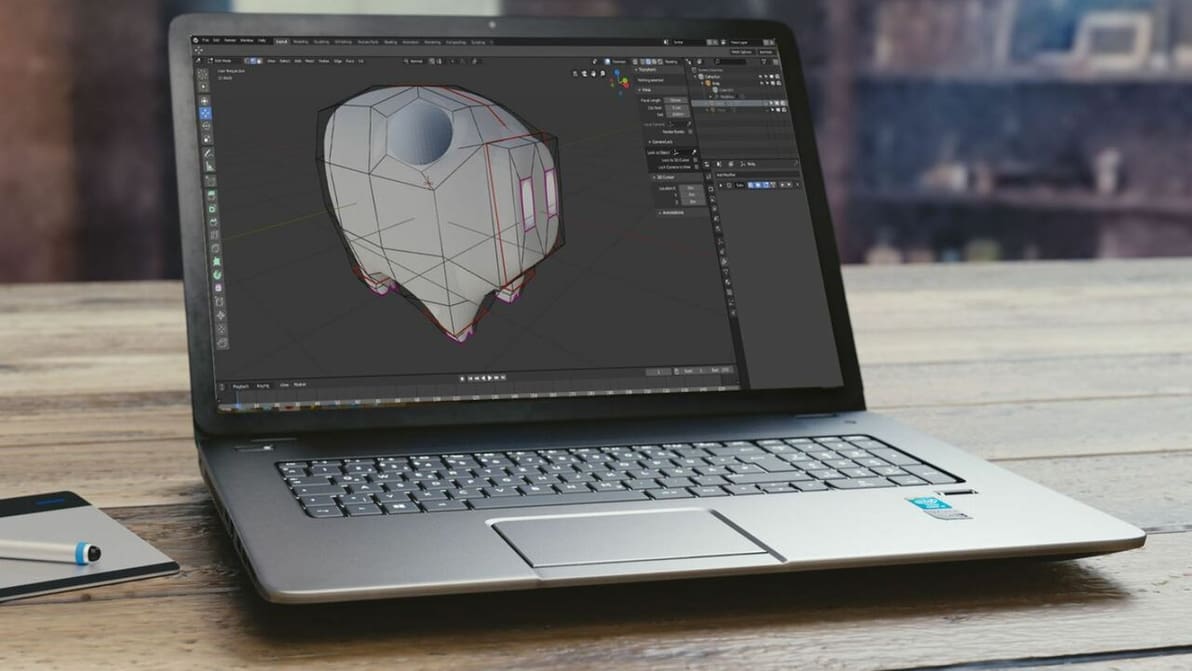
Blender for Chromebook: How to Make It Work

Chromebooks run Chrome OS, an operating system incompatible with Blender. Read on to learn how to get Blender for Chromebook!
by Jackson O'Connell
Featured image of Blender & STL Files: How to Make 3D Printables
Blend, Export, Impress!
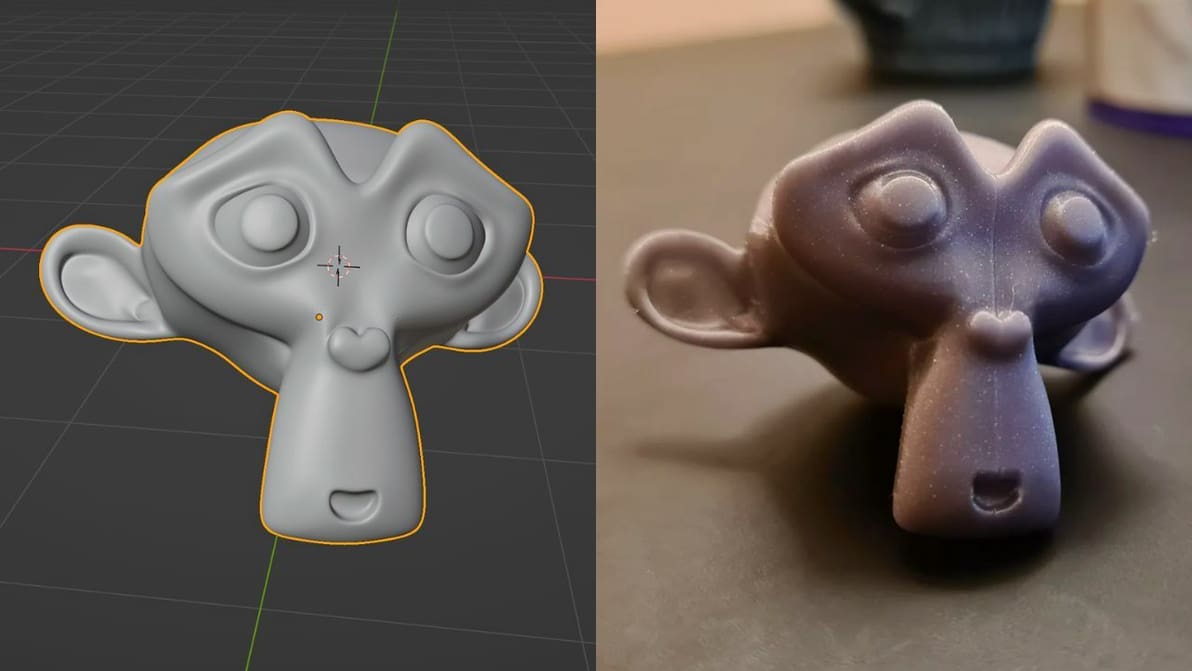
Blender & STL Files: How to Make 3D Printables

Blender is a great tool to make, fine-tune, and export 3D printable STL files. Read this simple guide to learn how to go from Blender to STL!
by Aftab Ali
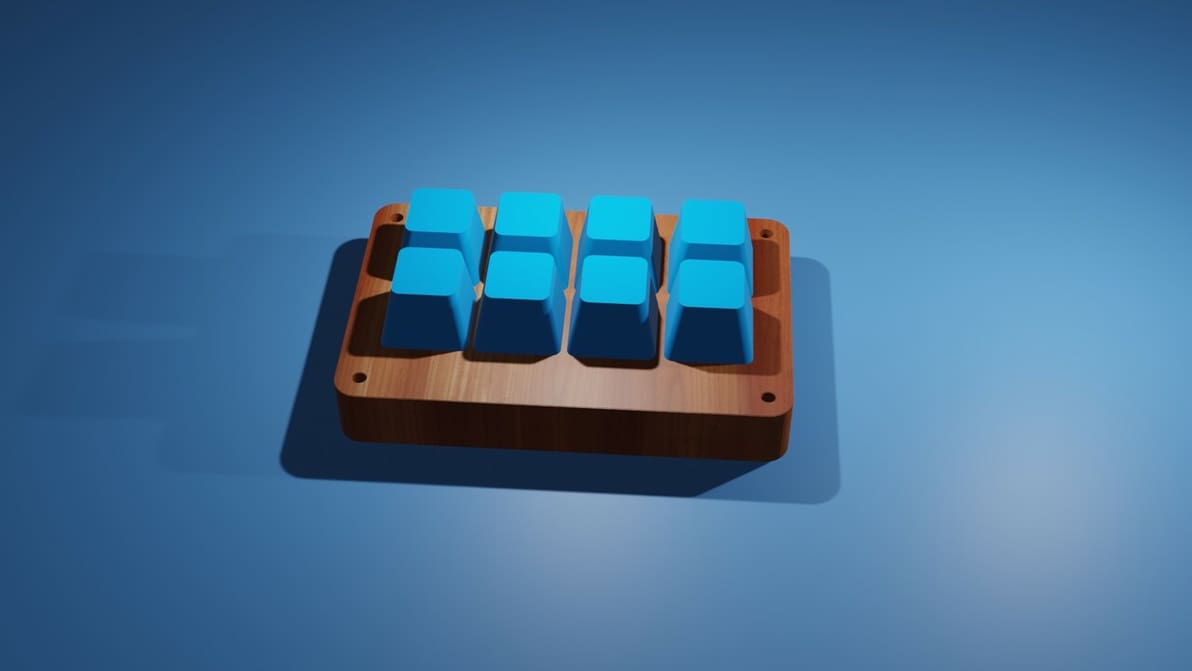
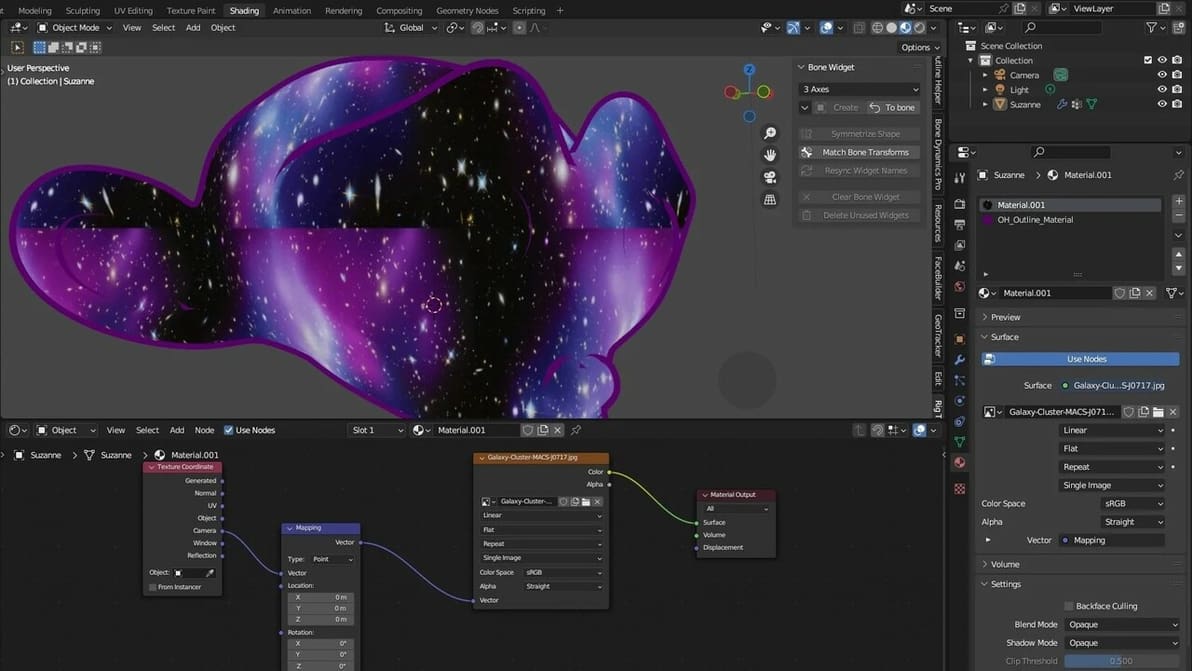
Featured image of Blender: Procedural Texturing – Simply Explained
Node Blending
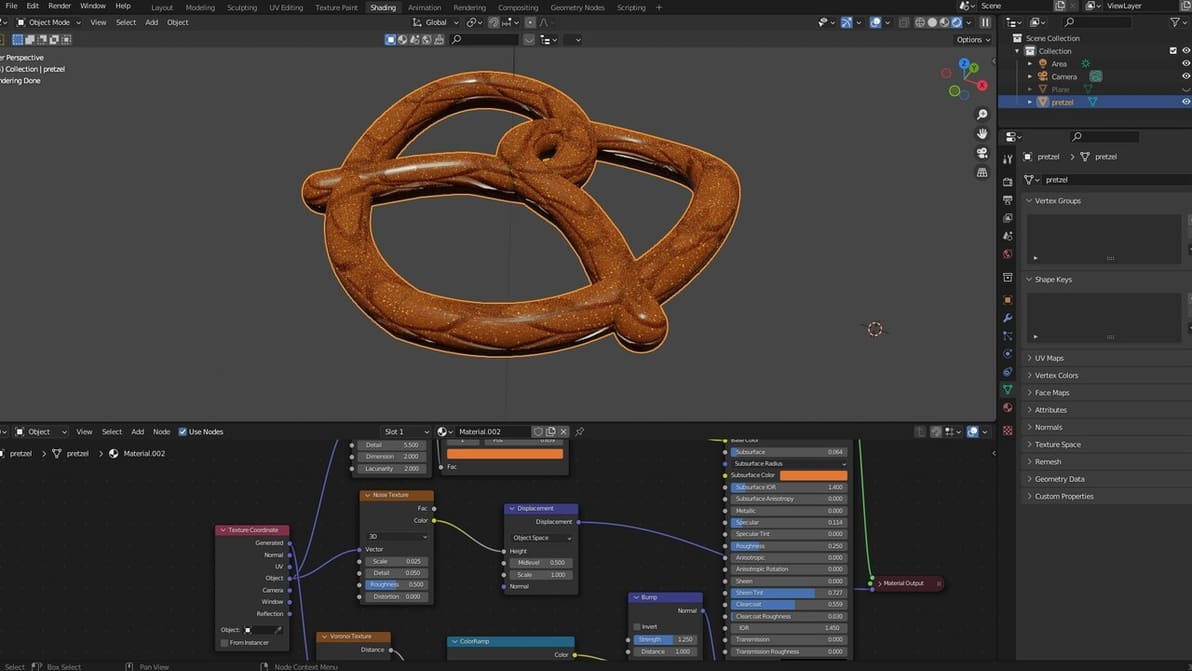
Blender: Procedural Texturing – Simply Explained

Blender's procedural texture capabilities are powerful, yet difficult to master. Read on to learn all about the basics!
by Cherie Tan
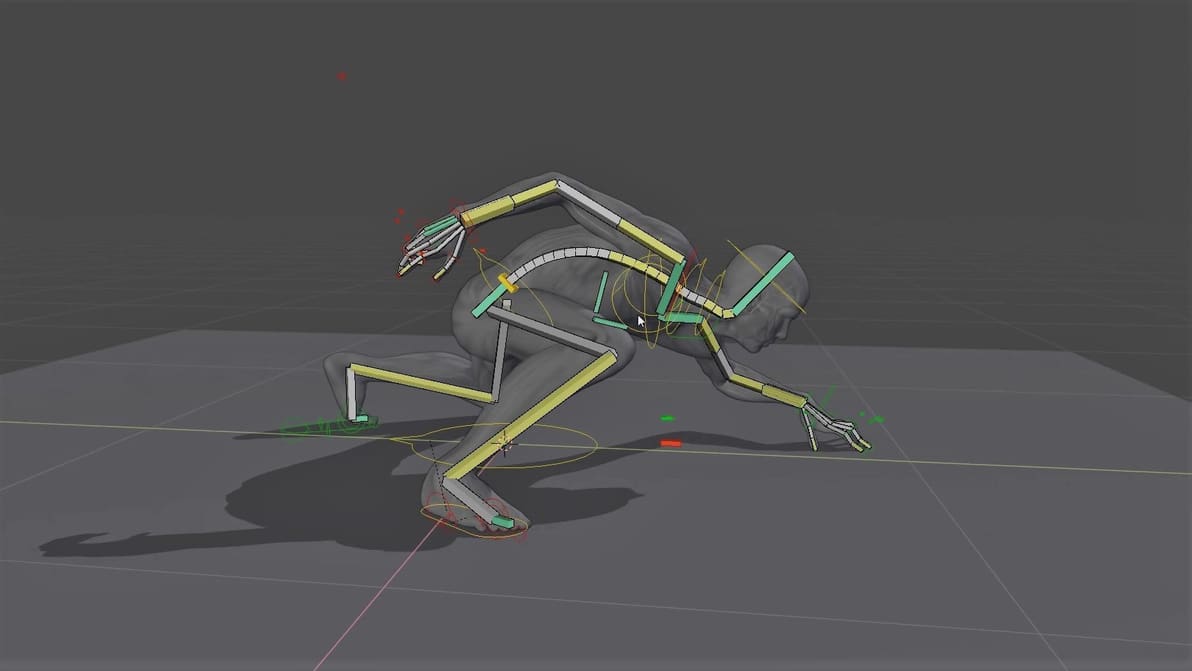
Featured image of Blender: Rigging – How to Rig a Model in Blender
Big-Boned Models
Blender: Rigging – How to Rig a Model in Blender

Rigging is commonly used in animation, but it’s also crucial to simulations in Blender. Explore this guide to Blender rigging to complete your modeling experience.
by Jaime Rios Velasco
Featured image of Blender & Substance Painter: How to Use Them Together
Better Together
Blender & Substance Painter: How to Use Them Together

Want to apply textures to create high-quality, photorealistic 3D models? Learn to integrate Blender and Substance Painter into your workflow!

by Cherie Tan
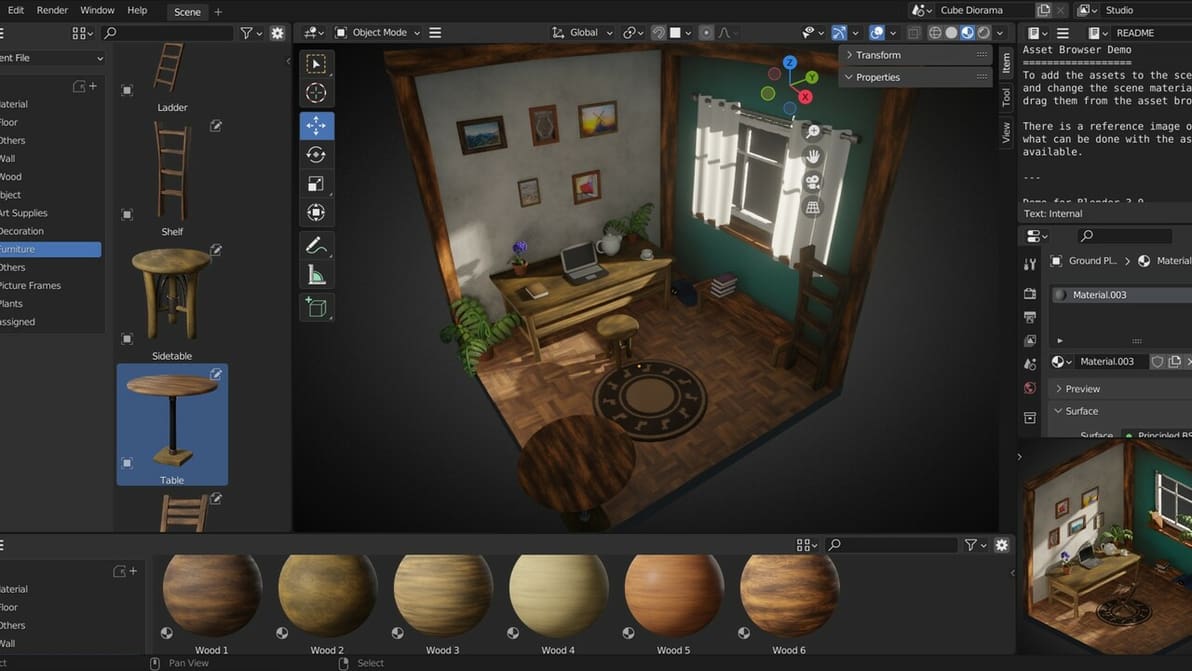
Featured image of Blender: Particle System – Simply Explained
Particle Magic
Blender: Particle System – Simply Explained

Check out the most important settings and a step-by-step guide to creating magical effects with the Blender Particle System!
by Jaime Rios Velasco
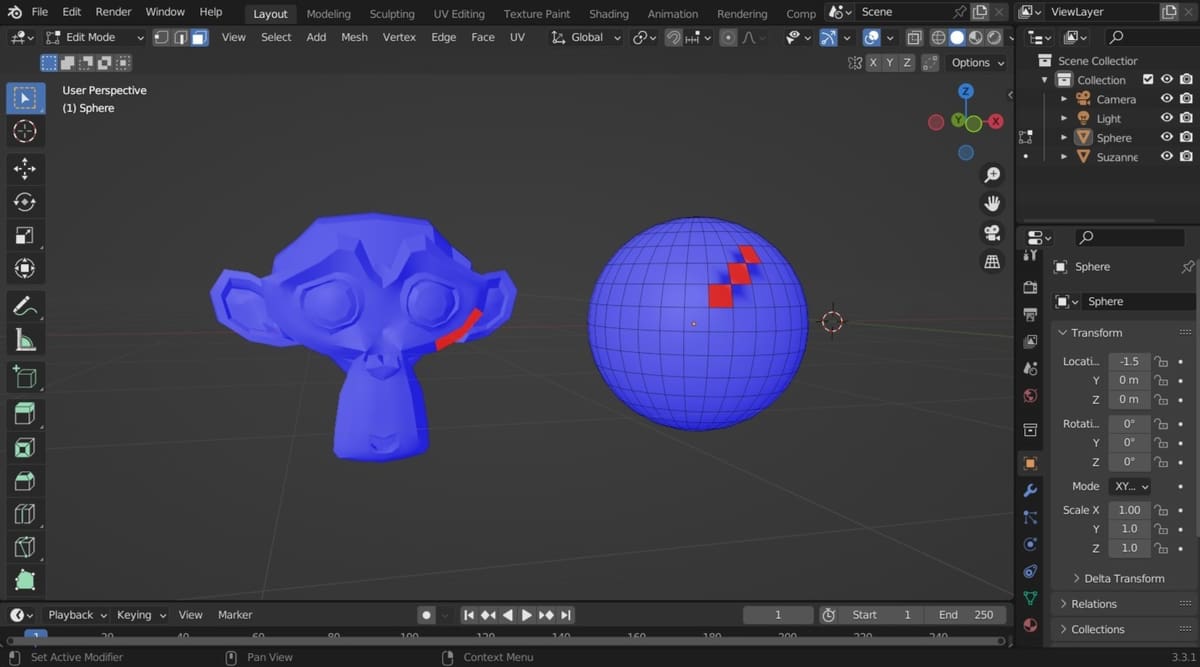
Featured image of 10 Reasons to Use Blender
A Blender of Tools!
10 Reasons to Use Blender

Blender is a free open-source 3D creation suite for modeling, animation, and more. Read on to learn why you should consider using it!
by Larry Wood
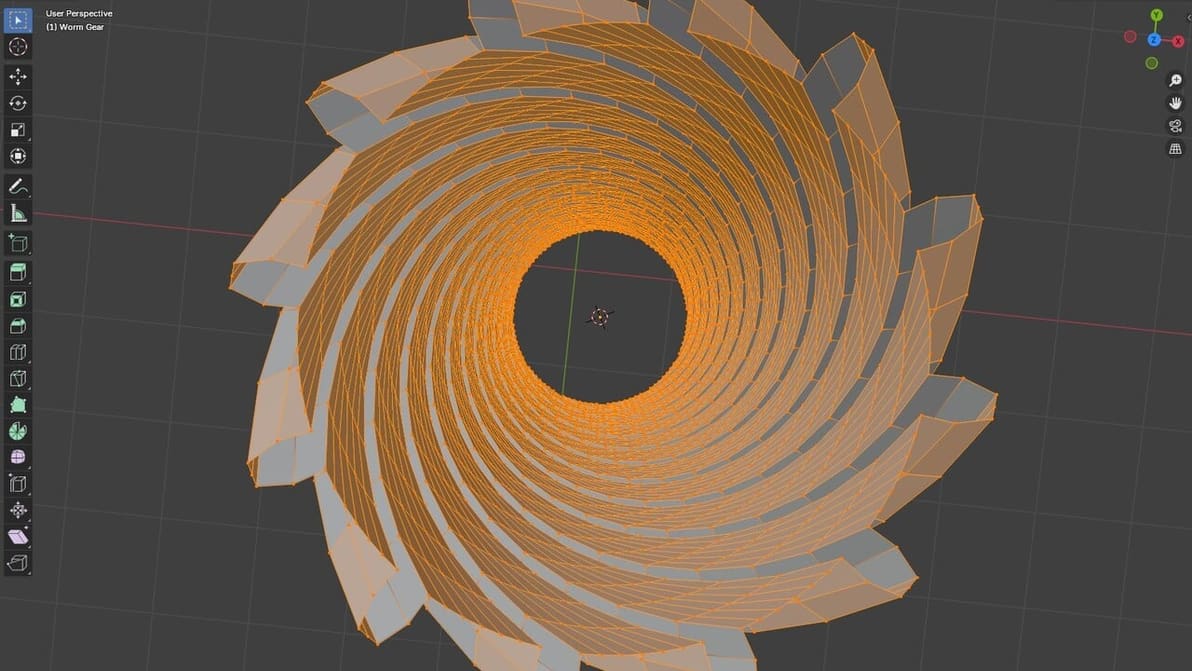
Featured image of Blender: Recalculate Normals – Simply Explained
Flip the Norm
Blender: Recalculate Normals – Simply Explained

Normals are an important part of your objects, but they can get flipped. Learn all about Blender's recalculate normals options.
by Michelle Jensen
Advertisement
Advertisement
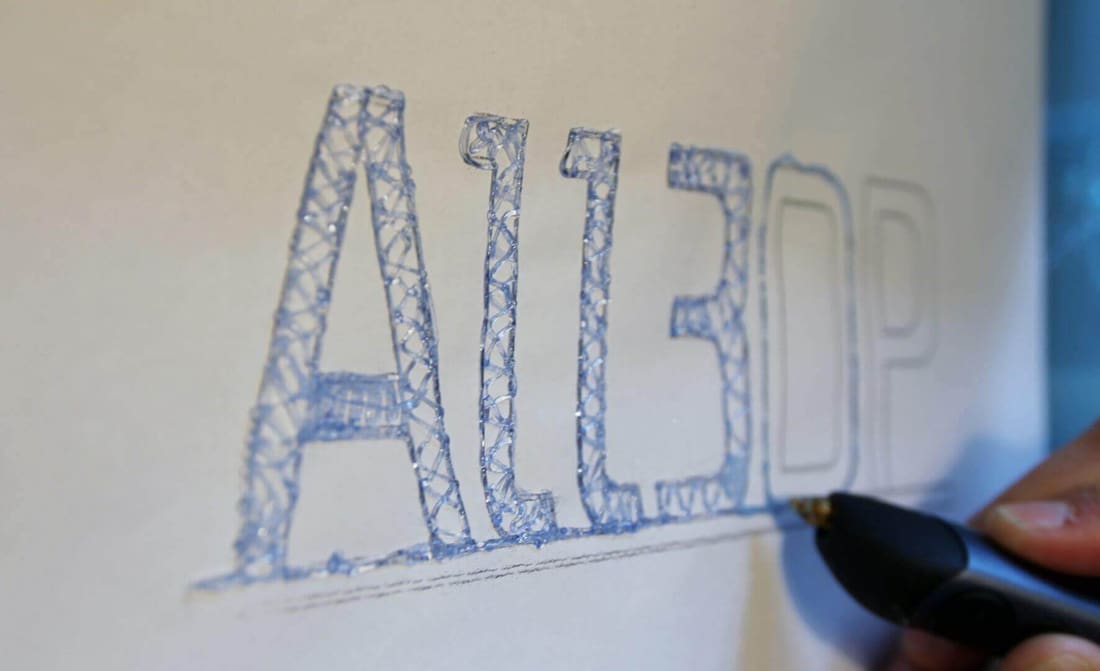
Featured image of 3D Pen Tutorial: 3D Sketch and Create Free 3D Pen Stencils
Get The Most Out of Your 3D Printing Pen
3D Pen Tutorial: 3D Sketch and Create Free 3D Pen Stencils

Learn how to sketch with a 3D pen and to create 3D pen templates in this 3D pen tutorial. Also, transform any 3D files into 3D pen stencils!
by Frederik Bedrich
Featured image of Blender: How to Add a Vertex – Simply Explained
Vertices Virtuosity
Blender: How to Add a Vertex – Simply Explained

Adding vertex in Blender is easy, and it's useful to improve your models. Find out how to add vertices in Blender through this simple guide!
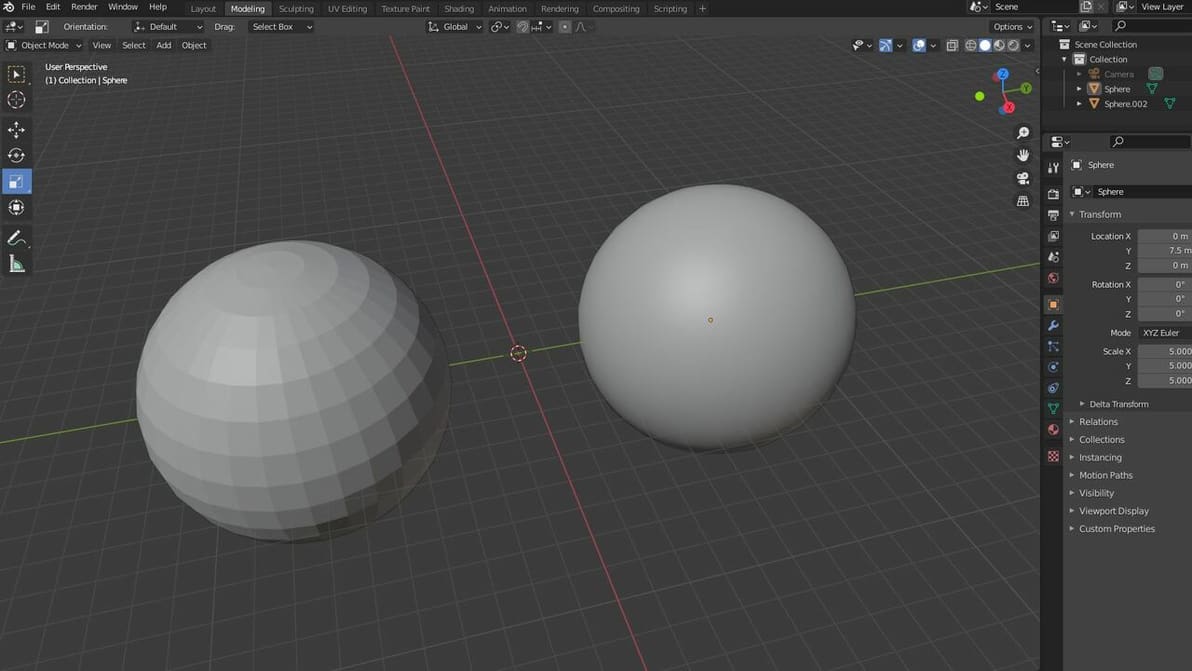
Featured image of Blender: Smooth Shading – Simply Explained
Polygons, Be Gone!
Blender: Smooth Shading – Simply Explained

In Blender, smooth shading is a great way to make an object's surfaces appear smooth. Read on for more on Blender's smooth shading features!
by Jackson O'Connell
Featured image of Blender: Displacement Maps – Simply Explained
More than Just Textures
Blender: Displacement Maps – Simply Explained

Tired of having your textures look plain and ugly? Read all about Blender's displacement maps and learn how to add realism to your models.
by Jaime Rios Velasco
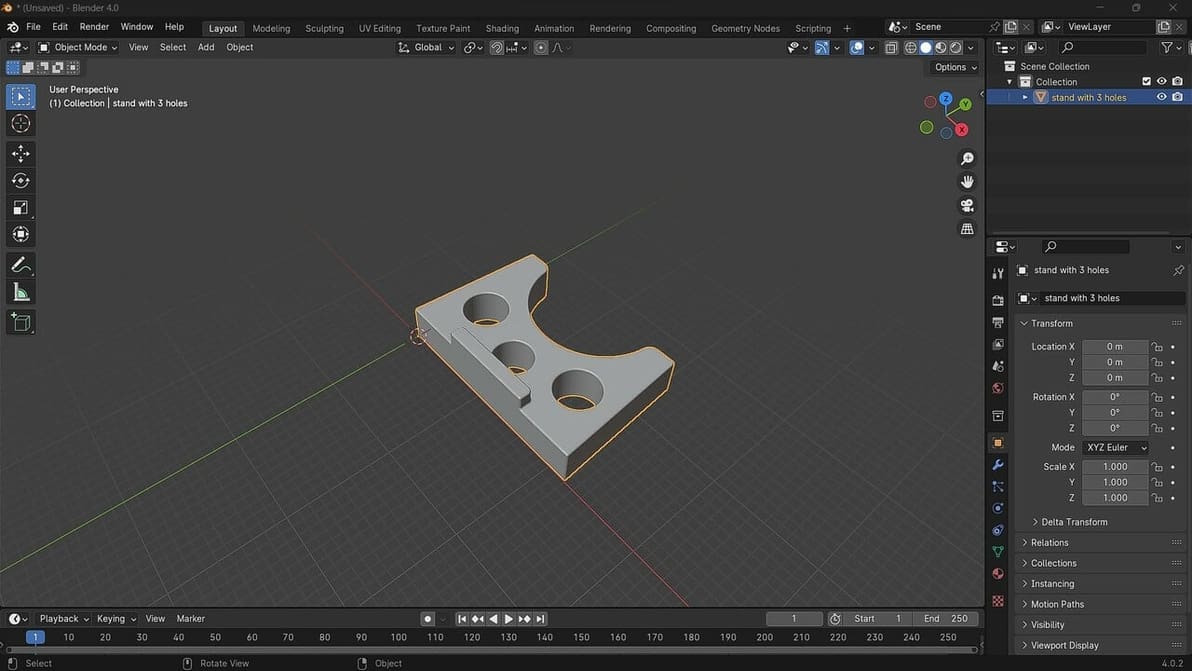
Featured image of How to Open an STL File in Blender – Simply Explained
Ready. Set. Blend!
How to Open an STL File in Blender – Simply Explained

Blender 4.0 has just been released. Check out how to open STL files in Blender to get you on your way to making great designs!
by Timothy Solomon
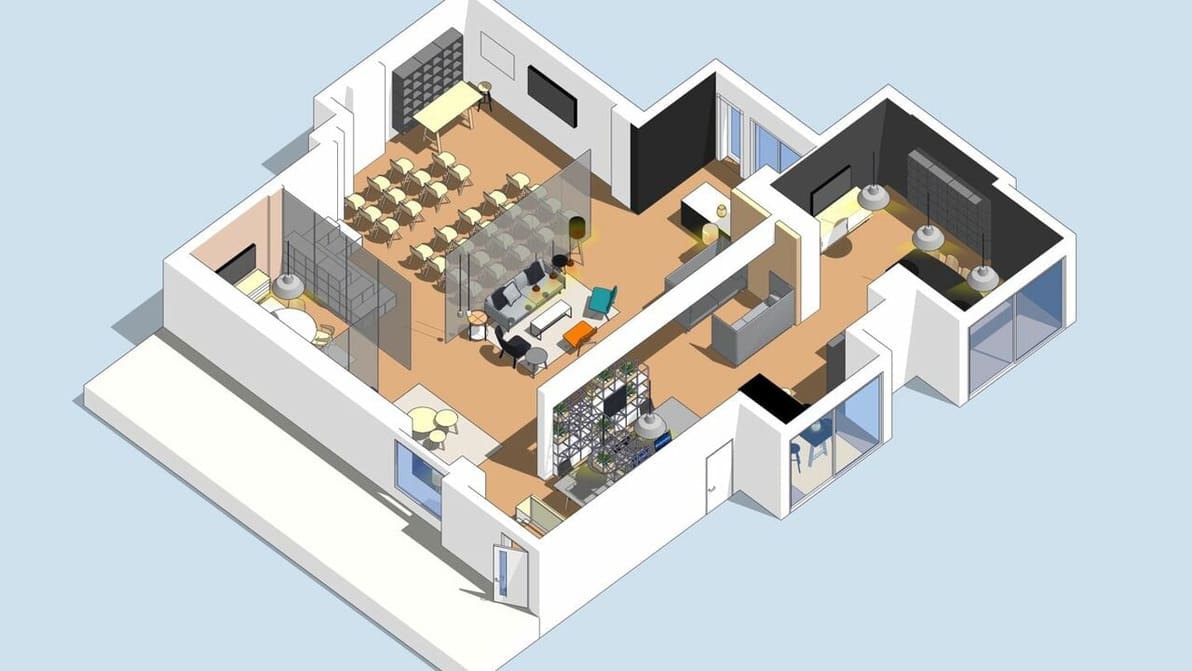
Featured image of SketchUp vs Blender: The Differences
Design Ahoy
SketchUp vs Blender: The Differences

When it comes to 3D modeling of buildings or furniture, SketchUp vs. Blender is a tough call. Read on to find out which one is for you!

by Lauren Fuentes
Featured image of What Is Blender (Software)? – Simply Explained
Open Source for All
What Is Blender (Software)? – Simply Explained

Want to make your own models for 3D printing? Check out Blender, CAD software that's free, open source, and packed with great features!
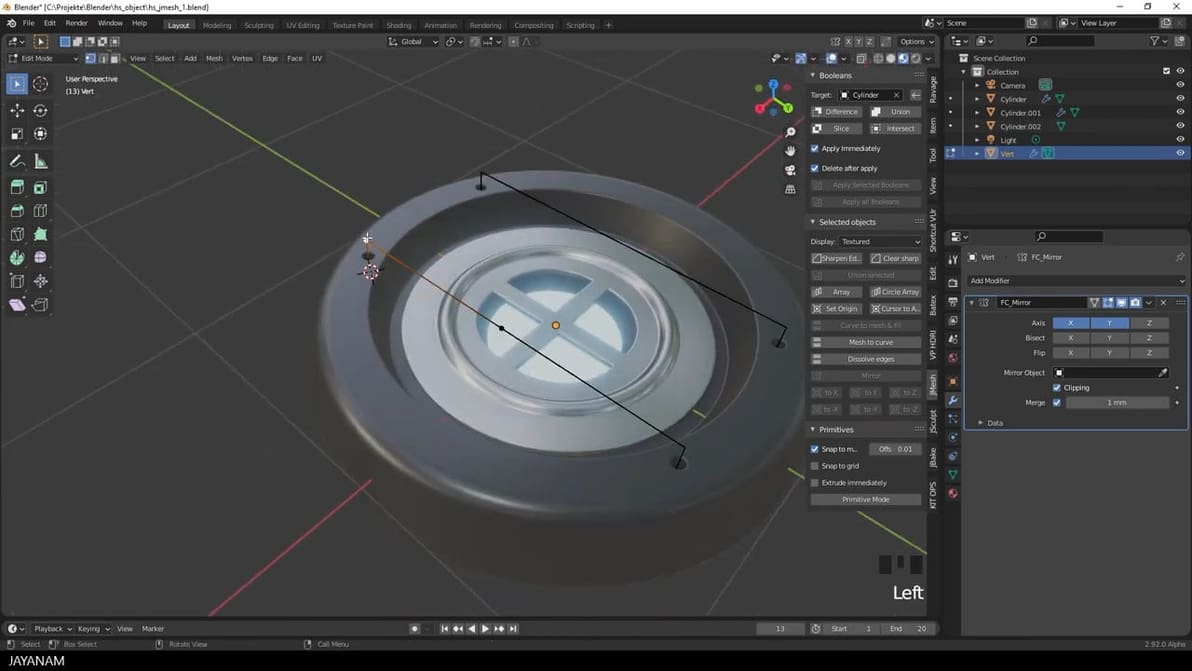
Featured image of Blender Hard-Surface Modeling: 8 Best Tutorials & Guides
A Hard Act to Follow
Blender Hard-Surface Modeling: 8 Best Tutorials & Guides

To get started with Blender hard-surface modeling capabilities, we've gathered the best guides to show you the way. Read on to learn more!
by Lauren Fuentes
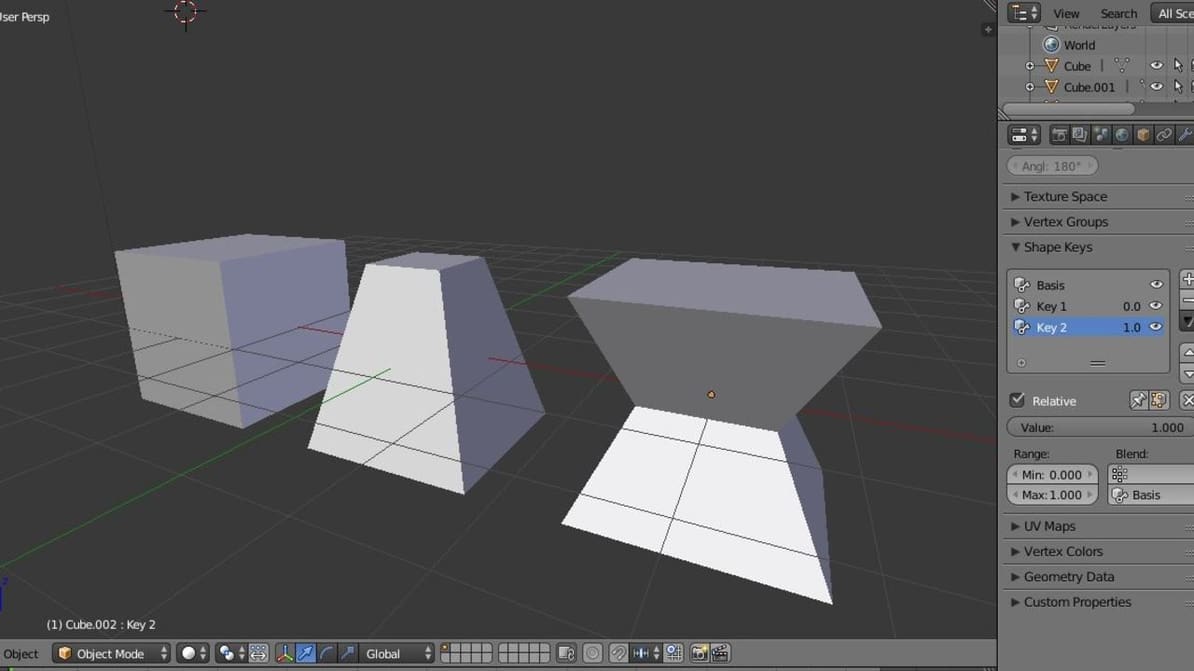
Featured image of Blender: Shape Keys – Simply Explained
New Shapes, Old Objects
Blender: Shape Keys – Simply Explained

Blender's shape keys allow you to deform a single object into many new shapes. Since they're integral to animation and prototyping, let's see how they work.

by Niall Mobsby
Featured image of Blender: How to Group Objects – Simply Explained
So Happy Together!
Blender: How to Group Objects – Simply Explained

Your work can get chaotic if you're looking at too many objects in Blender. Group objects in your design workspace to keep things organized!

Advertisement
Advertisement