Blender
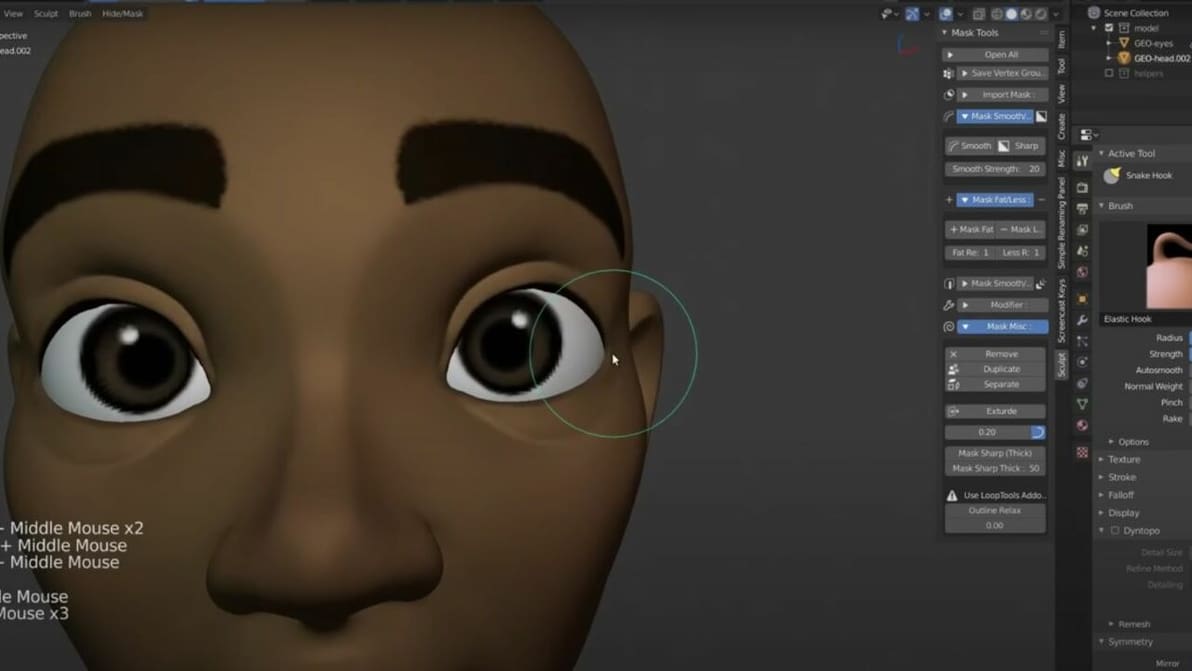
You don't have to start from scratch to achieve a great Blender human model. Check out the best sources for human 3D models.

Having a hard time getting your symmetries nice and even, or want to flip an object the opposite direction in Blender? Learn more about the Blender mirror modifier which makes this task straightforward!
The first corrective update of Blender 4.1 dropped last week.
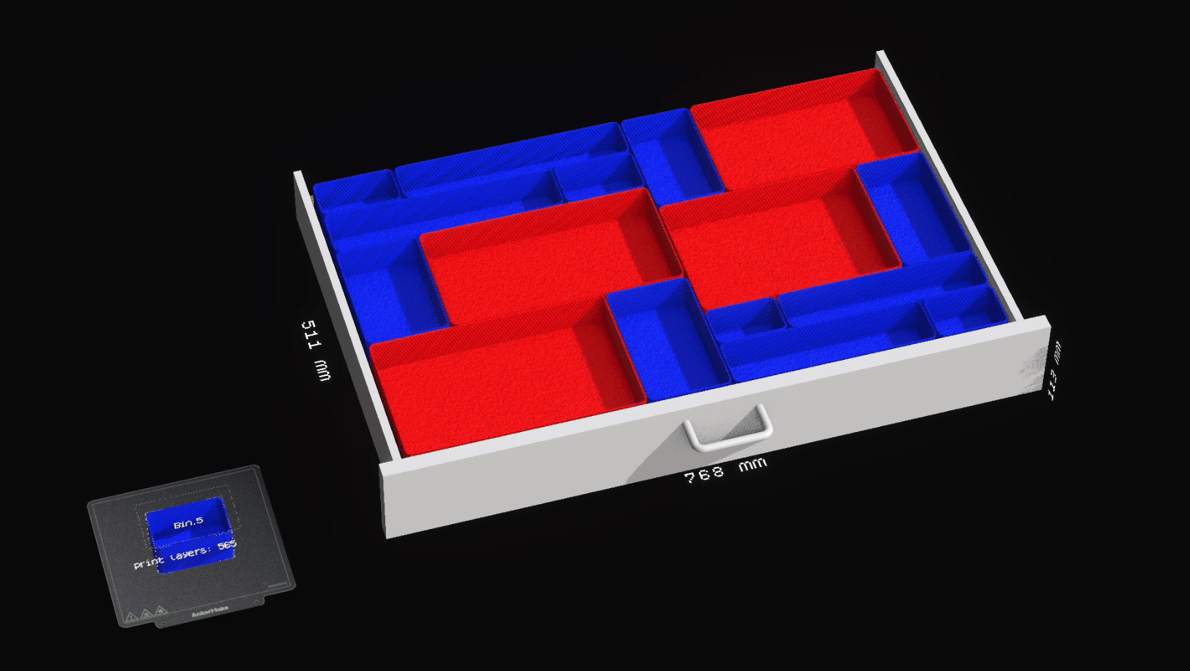
A free Node Dojo application showcases the power of Blender's parametric modeling tools to quickly create bespoke drawer organizers.

From the UI to rendering to Geometry Nodes and the introduction of Light Linking, Blender's 4.0 update touches on everything the software has to offer.
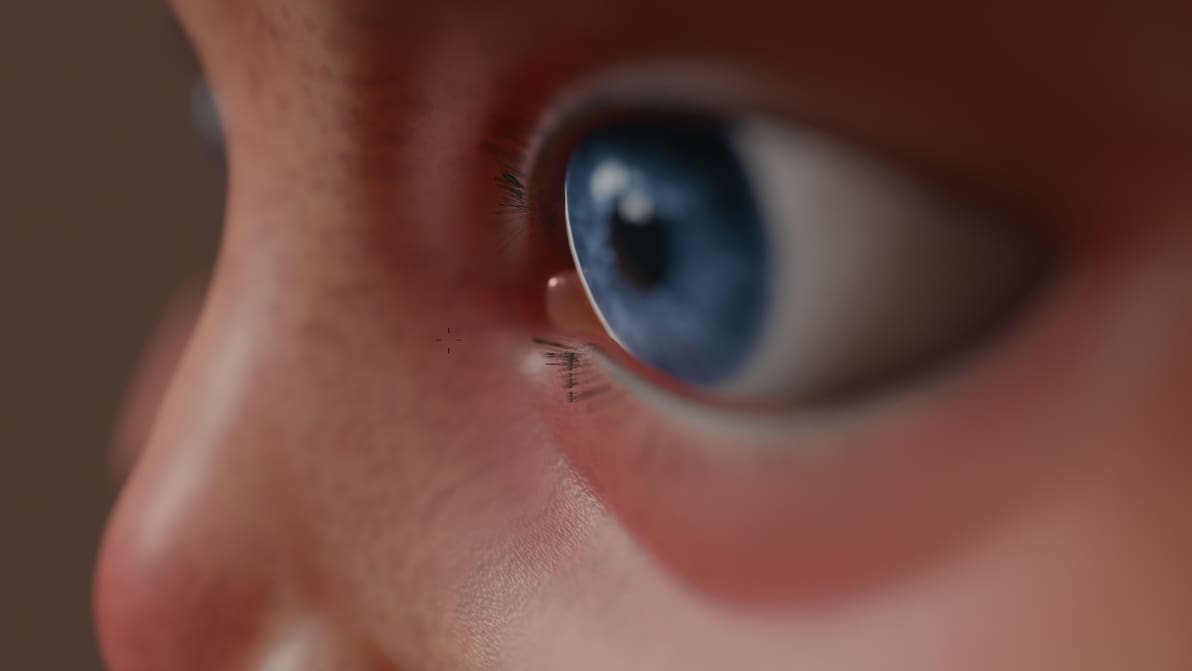
In comparing Blender 3.0 vs. Blender 2.9, we learned all about what's new. Check out the latest features and improvements!
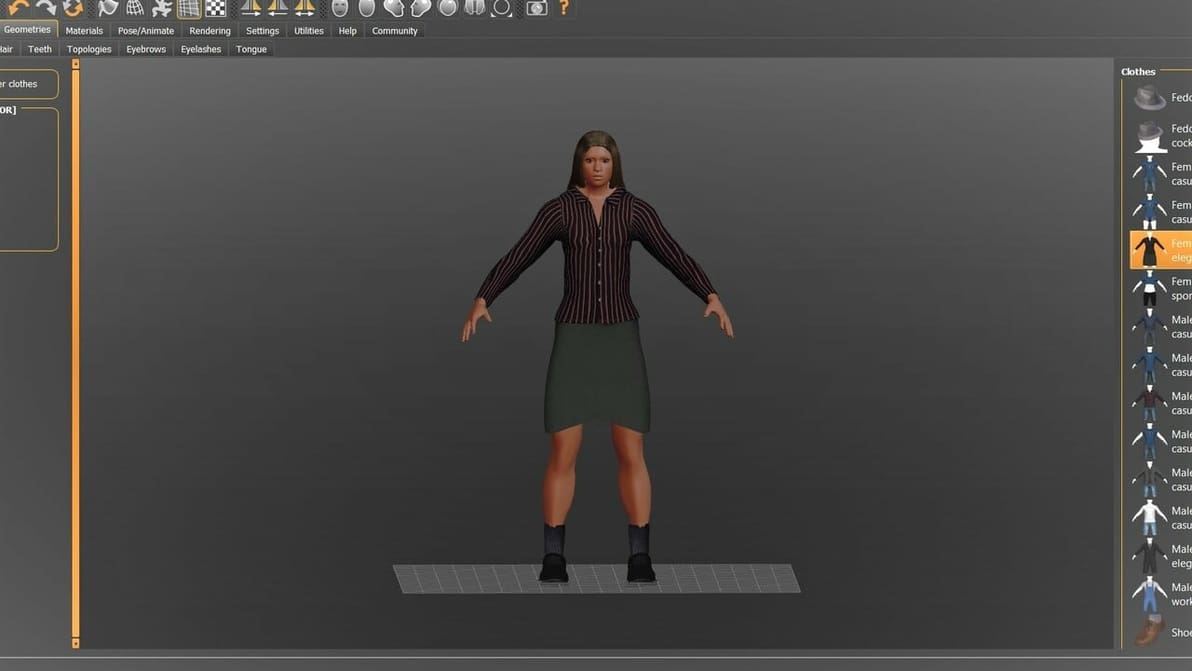
When it comes to designing virtual human models, MakeHuman and Blender go hand-in-hand. Read on to know all about the two platforms!
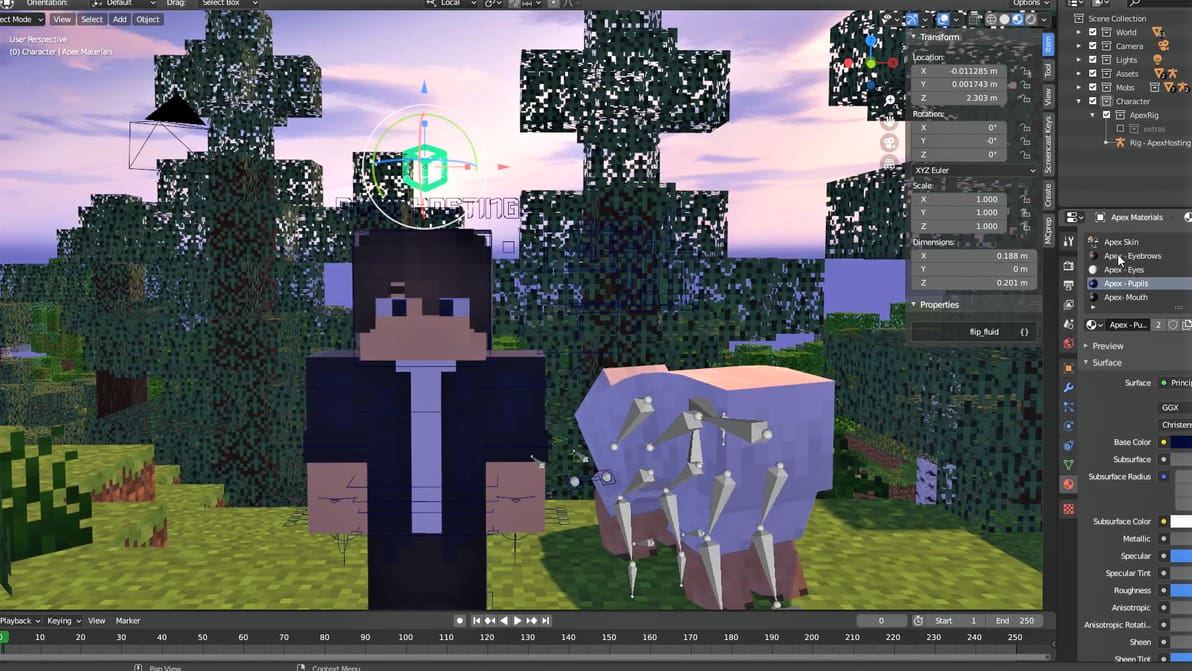
Start your journey as a Minecraft MV animator with the Blender Minecraft add-on. You can even print some cool Minecraft mods!
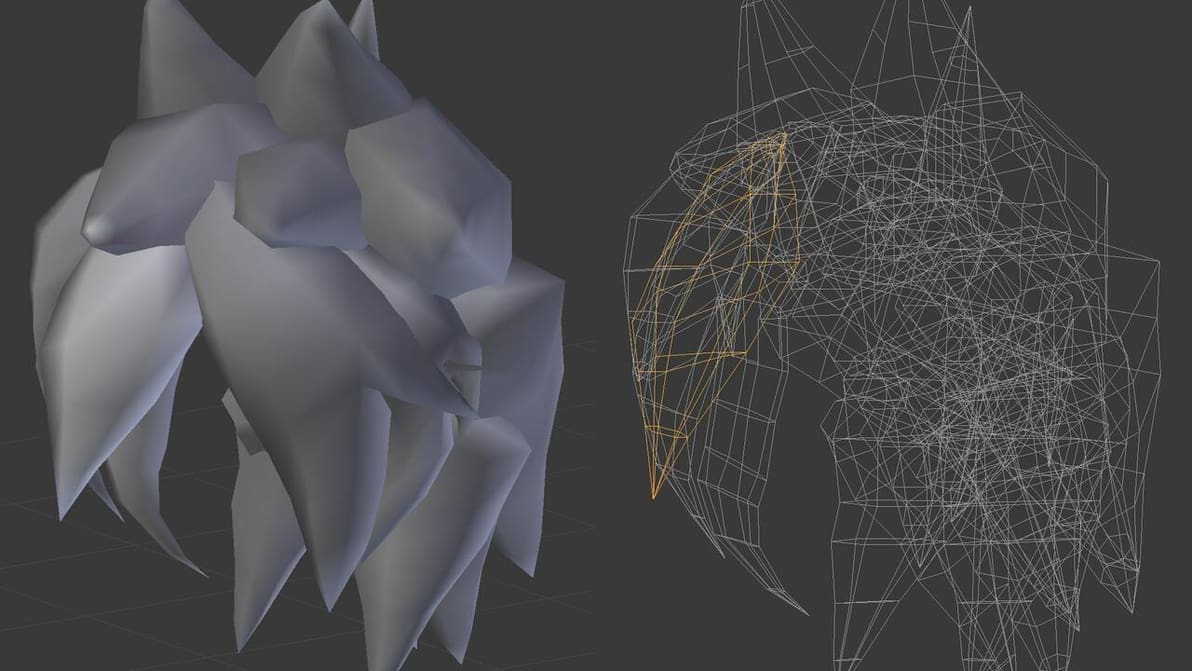
Mesh modeling is the most used modeling method in Blender. There's a lot to know, so read on and start learning all about Blender mesh!
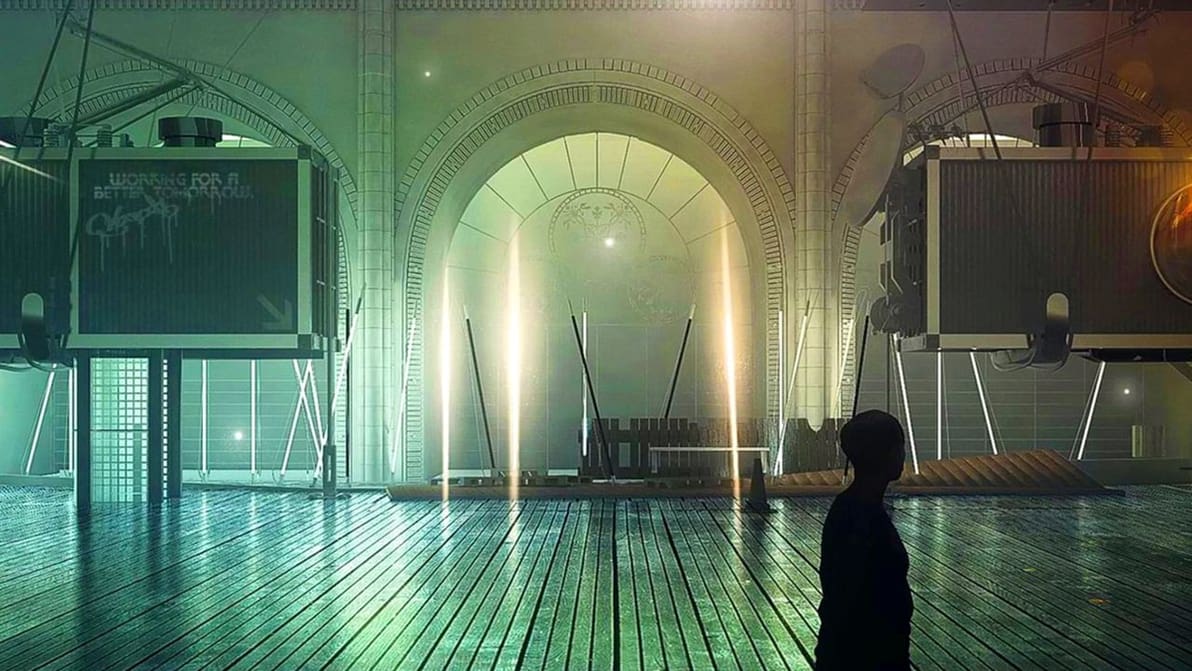
There are endless possibilities with these two great programs. Learn the differences between Cinema 4D vs. Blender!

Whether you use Blender or another tool, you might need some extra rendering power. Check out our list of the best render farms!
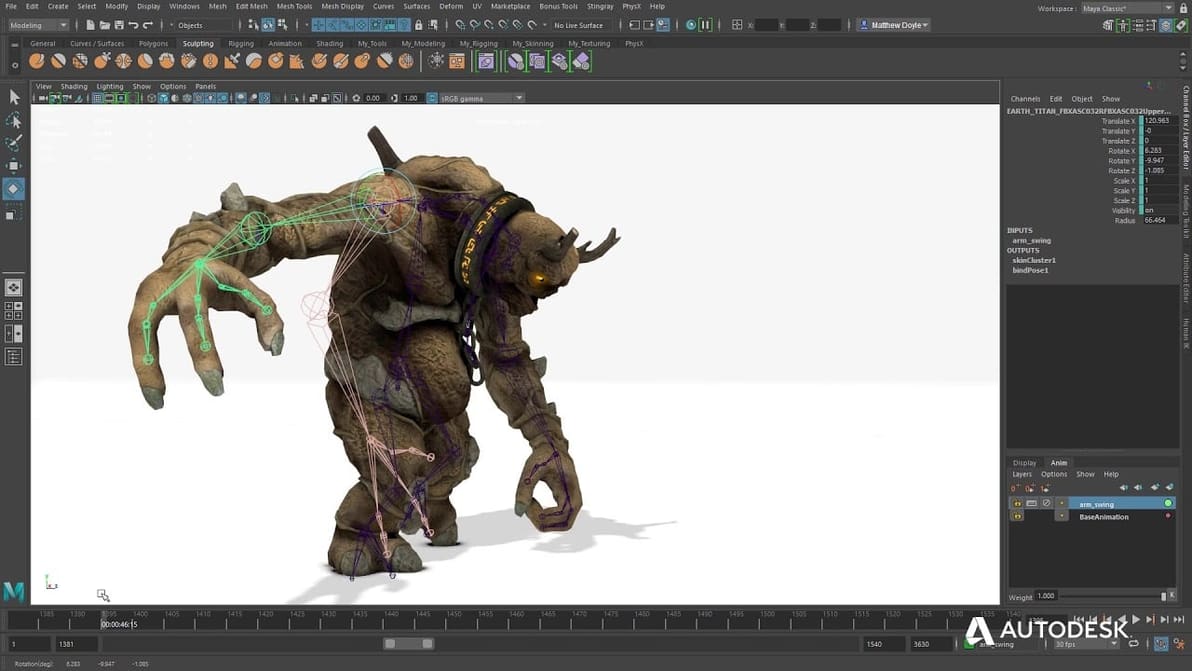
Blender is a popular modeling program, but it's good to know what else is out there. Read on to learn about the best Blender alternatives!
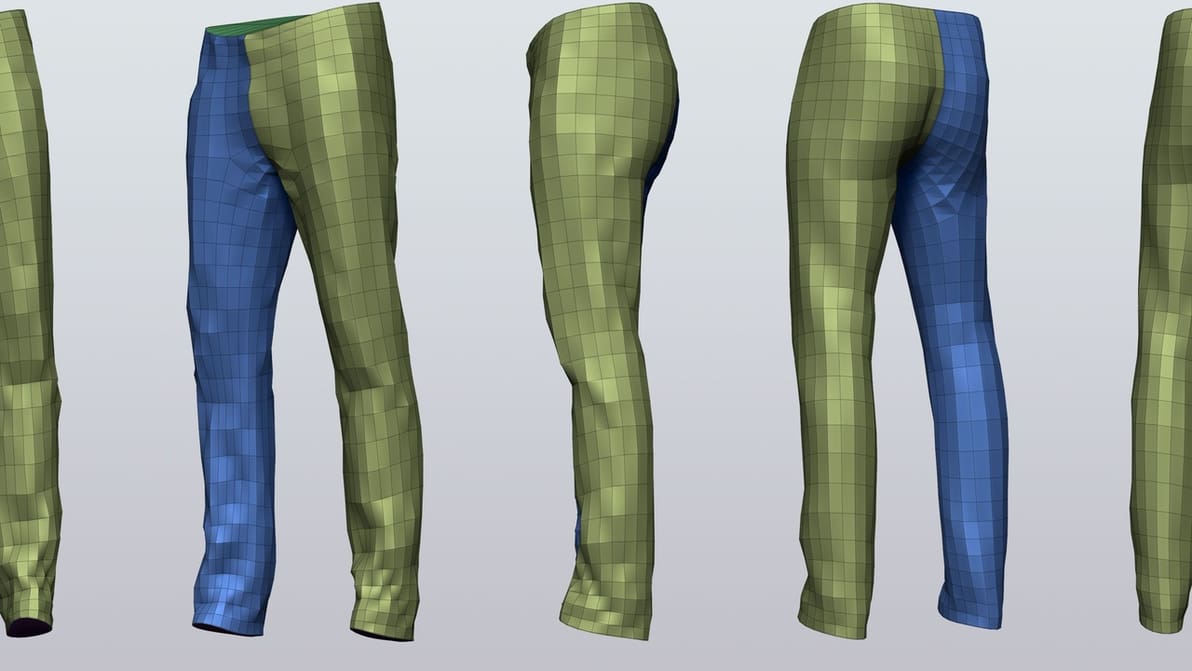
Retopology is tool that allows you to simplify complex 3D models. Read on to find out new ways to enhance your Blender retopology workflow.
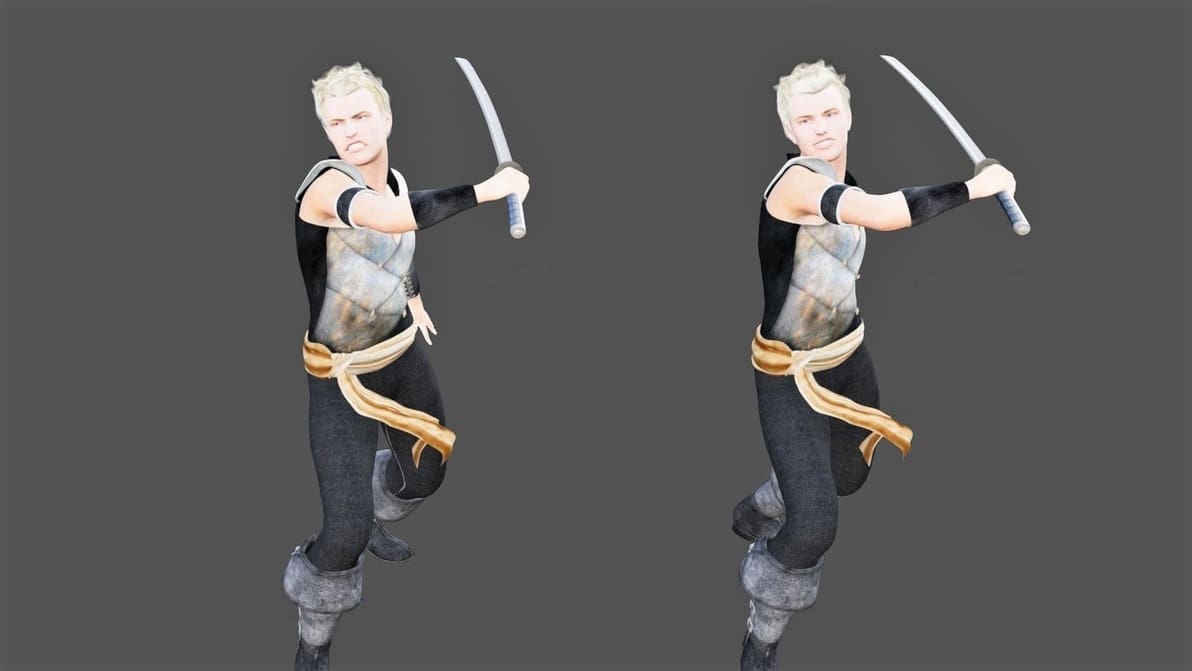
Combine the ease of use of Daz with the modeling power of Blender. Learn how to export characters from Daz to Blender with just a few clicks!

Make your workflow more efficient in Blender with shortcuts. Read on to learn how to navigate Blender 2.8 with ease!
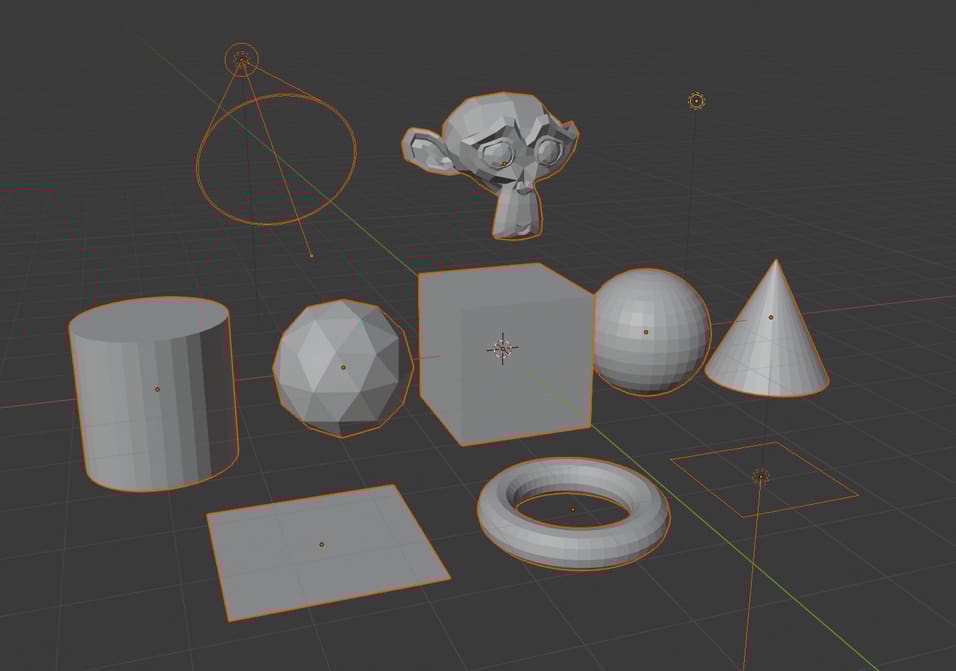
Scenes can get messy in Blender, and sometimes you need to transform a bunch of objects together. Learn how to group, hide, and select all objects.

Converting projects from 3ds Max to Blender is a great way to expand your tool set. Follow along as we make the conversion!
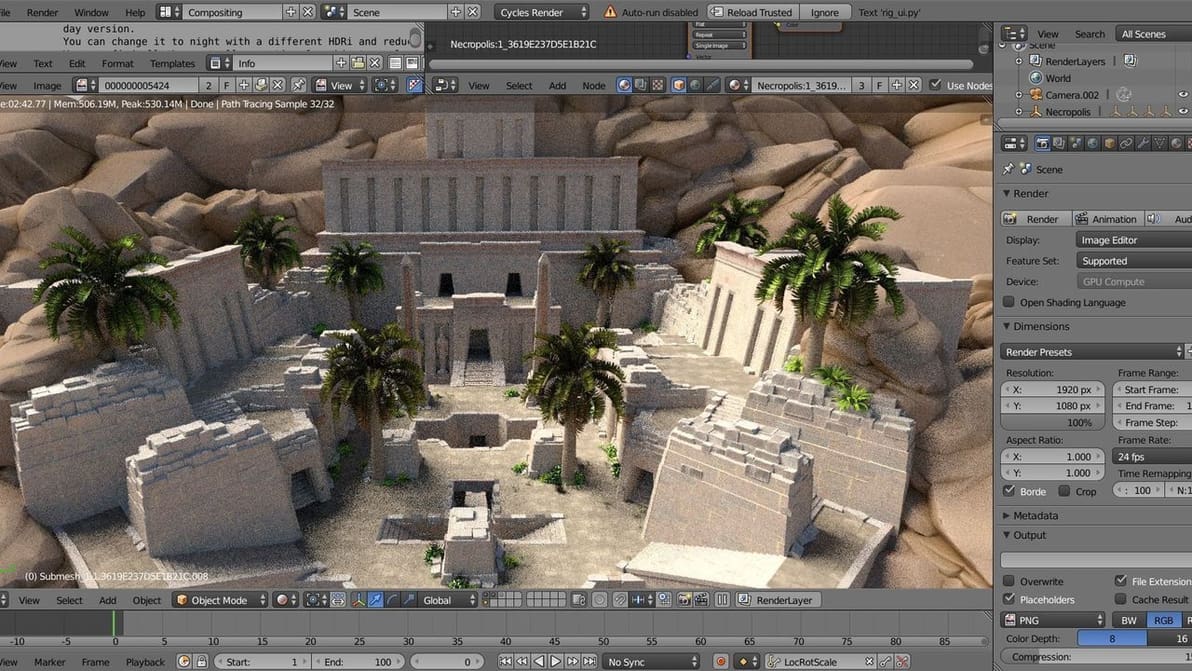
Blender supports various file formats, many with unique properties compared to STL and OBJ. Learn how to export your Blender files to FBX!
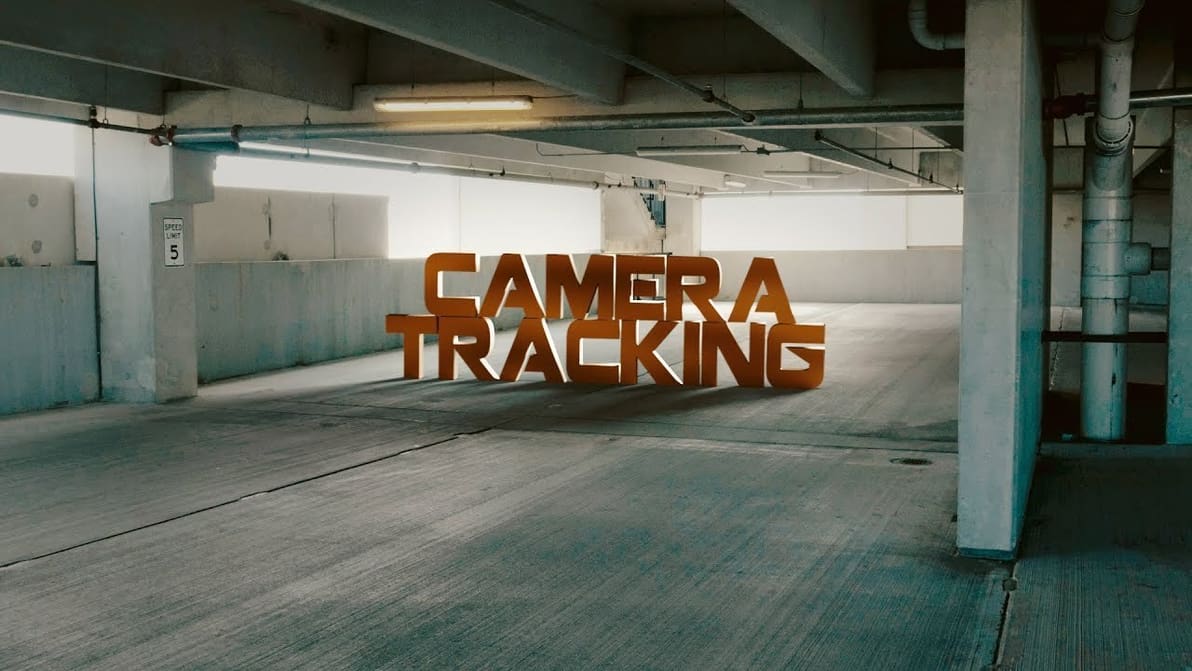
Ever heard of Blender's camera tracking? Follow along as we track objects in a video, create a 3D scene, and add models as if they were in the video itself!
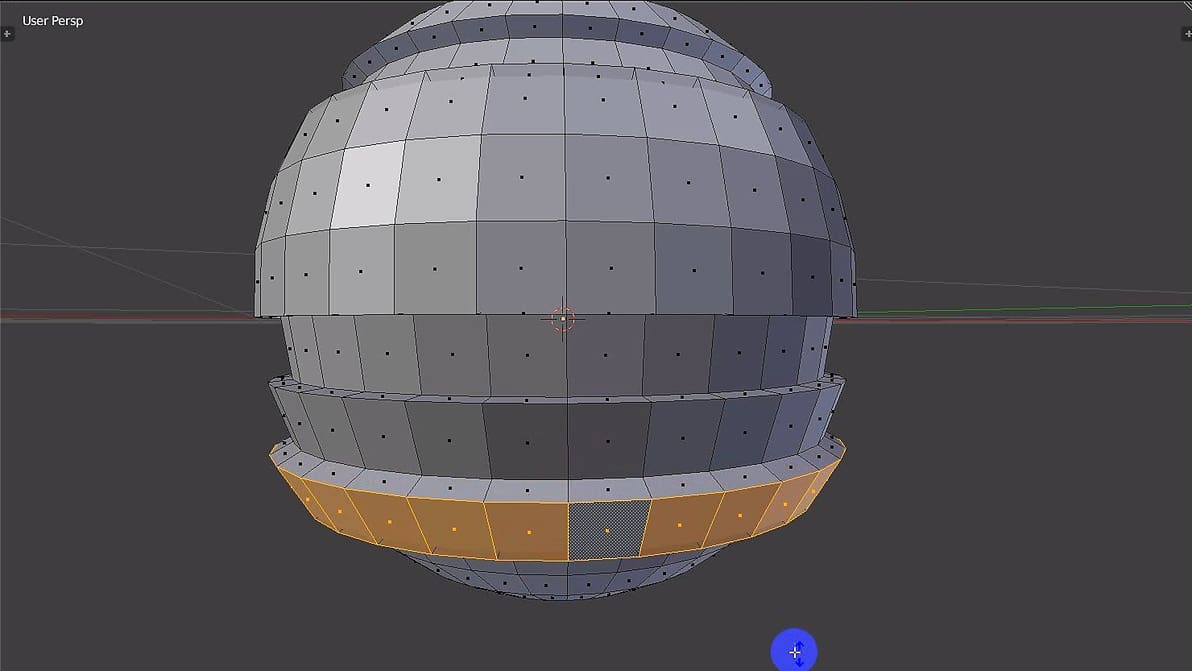
The extrude tool in Blender is essential to modeling anything of quality. It allows you to extend and create a new section of your model. But how does it work exactly, and what are its uses?