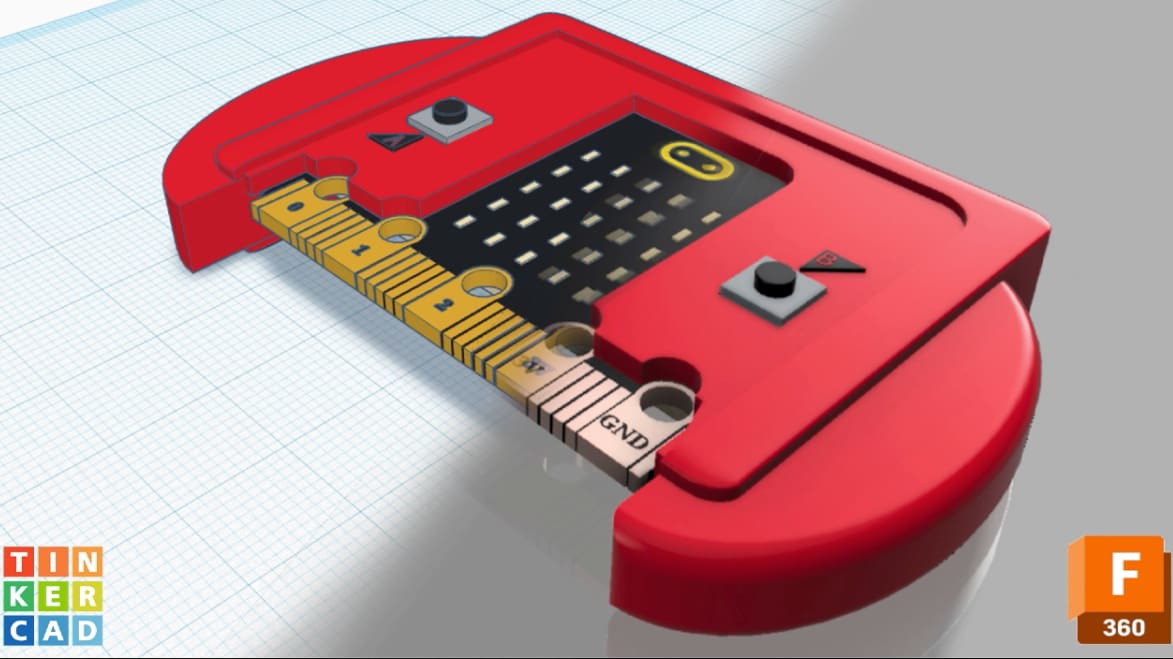
Tinkercad’s New Update is Making Things a Whole Lot Easier for Chromebook Users

Aimed at students, saving projects or models to a Team Hub acts as a ‘bridge’ between Tinkercad and Fusion 360, enabling more streamlined workflows.
An update to Tinkercad’s “Send to Fusion 360” feature promises to provide more accessibility to Chromebook users, who would otherwise be unable to open local versions of Fusion 360 on their computers.
Aimed predominantly at students, users can now save projects to a “Team Hub” – often created by a teacher – then view it on Fusion Team or go to Fusion 360 in their browsers, open their project, and continue working.
Team Hubs are also beneficial to computers on which both Fusion 360 and Tinkercad are directly installed – which isn’t typically possible on Chromebooks – as they save and open projects from the same location, providing easier management and oversight. Additionally, students with different accounts for Tinkercad and Fusion 360 are able to open their work directly in Fusion 360, then save it “to any location they want.”

“This is a unique advantage that no other software shares since this workflow is exclusively happening between Tinkercad and Fusion 360,” reads a Tinkercad blog post detailing the update. “It’s an excellent bridge between both applications.”
You’ve read that; now read these:
License: The text of "Tinkercad’s New Update is Making Things a Whole Lot Easier for Chromebook Users" by All3DP is licensed under a Creative Commons Attribution 4.0 International License.